How to configure the Distance Overlay to count features
Jump to navigation
Jump to search
How to select the Count Hits instead of Distance option:
- Select Current Situation in the editor
- Select Overlays.
- Add or select the Distance Overlay on the left panel
- Check the "Count Hits instead of Distance" box on the General tab on the right panel
-
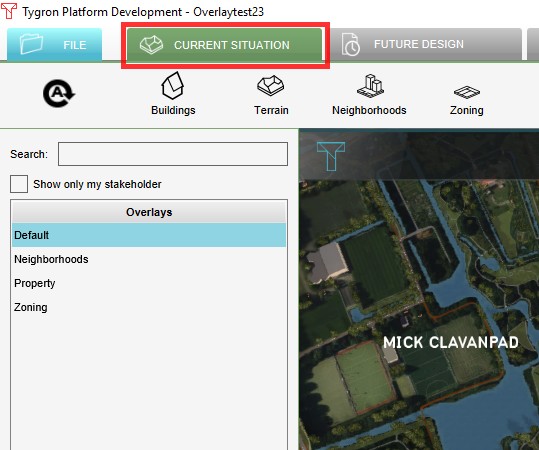 1. Select 'Current Situation'
 -
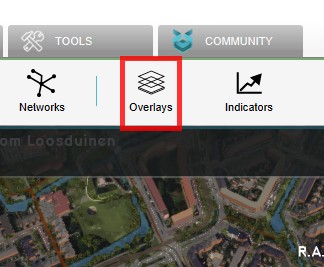
-
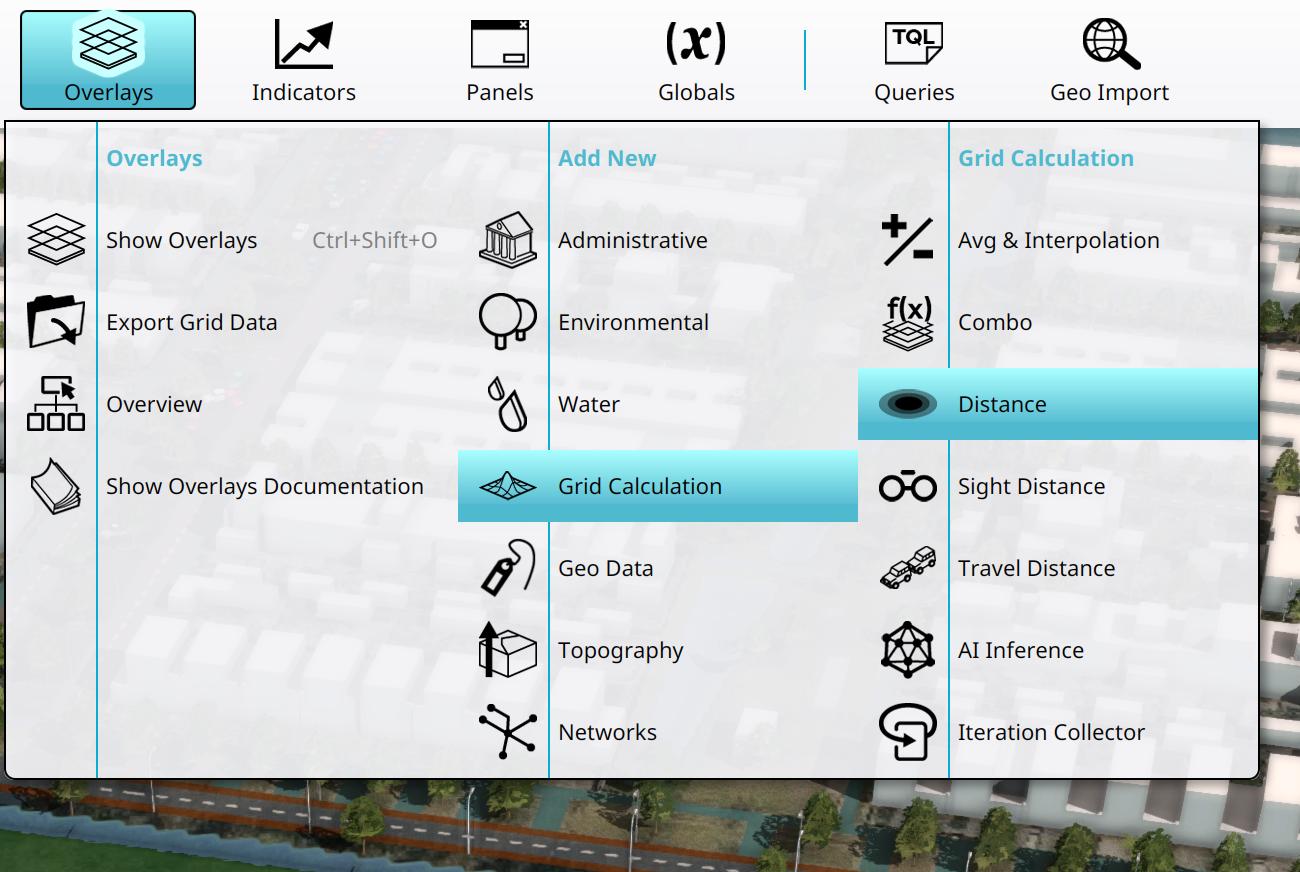 3. Add or select a Distance Overlay from the overlays popup.
 -
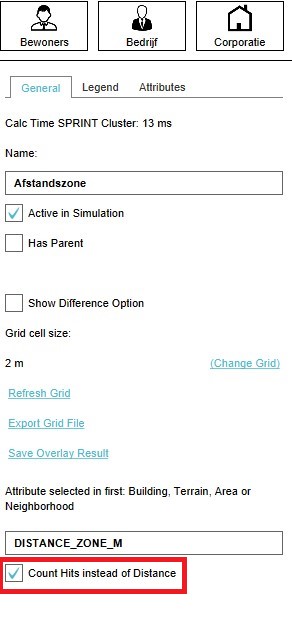 4. Select Count Hits instead of Distance option


