How to add and remove an Attribute
Attributes can be added to features such as Buildings, Terrain, Neighborhoods, Plots, Areas and Overlays.
Adding and removing an Attribute is a generic process, however, certain feautures are dependent on other assets being present too, such as indicators, terrains, vacancy, images, etc. For more information please refer to the respective main articles for the specific feauture.
-
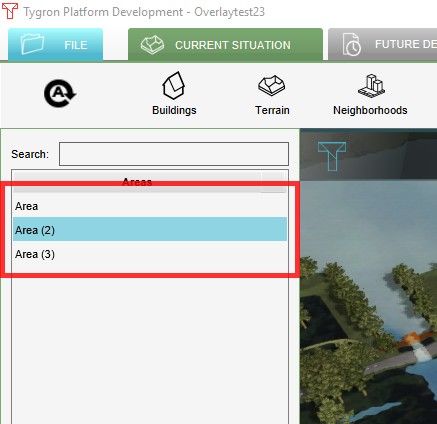 1. Select the feature where you would like to add an Attribute to
-
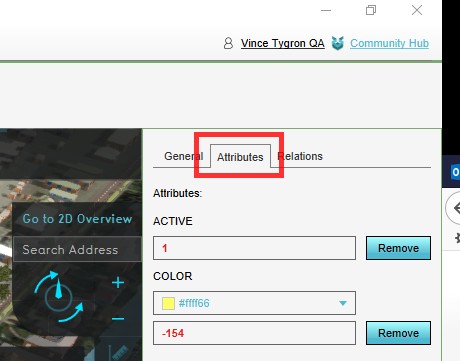 2. Select the Attribute tab
-
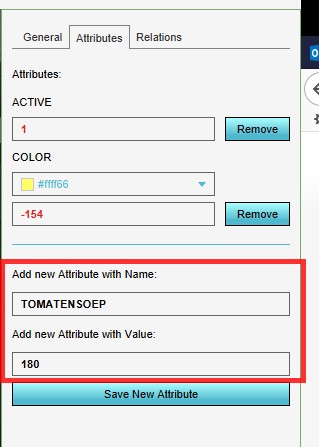 3. Enter a name/ value pair for the new Attribute
-
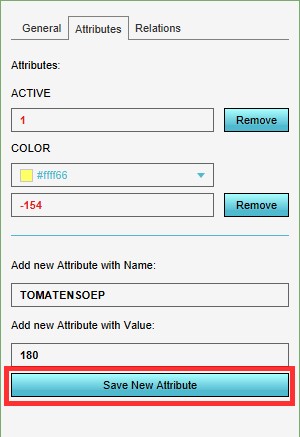 4. Select 'Save New Attribute'
-
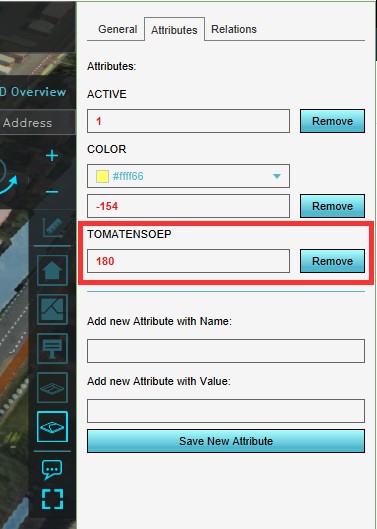 5. Notice the new attribute is added to the feature


-
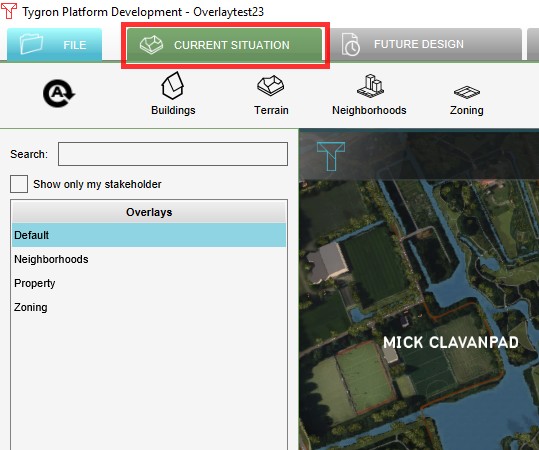 1. Select the feature where you would like to remove the Attribute from
-
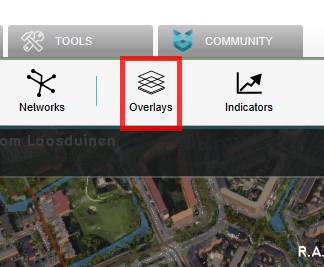 2. Select the Attribute tab on the right side
-
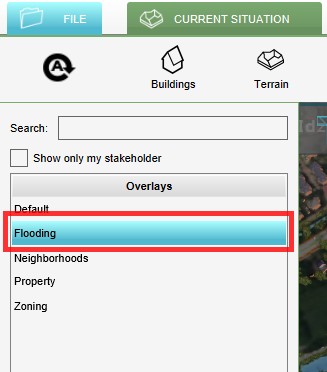 3. Select 'remove' next to the Attribute you would like to remove
-
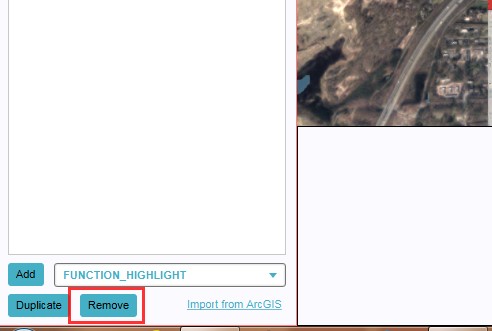 4. Notice the Attribute is removed


Sometimes it can be convenient to reset all attributes at once. To do so, select 'Reset Attributes' in the bottom corner on the right side.