Attribute Actions


Attribute Actions are actions that provide a convenient way to add or update one or more attributes of a building at once. Attribute Actions do not change the Function of a Building. Therefore they provide an alternative to Upgrade Types. Attribute Actions can be added to Action Menus to make them accessible to Stakeholders. An Attribute Actions can be configured to adjust attribute values for specific building selections.
Solar Panel example
For example, an Attribute Action can add the attribute SOLAR_PANELS with a value of 1.0. This attribute can then be used in indicator and overlay calculations using Average Overlays and TQL.
-
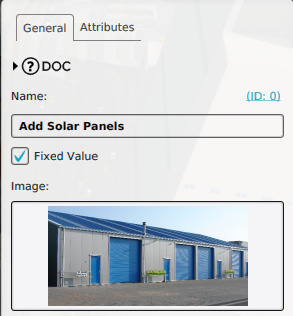 Adding a new Attribute Action.
 -
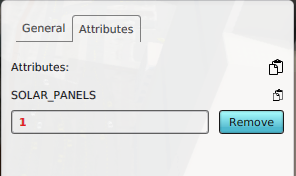 Configured a SOLAR_PANELS attribute with value 1.
 -
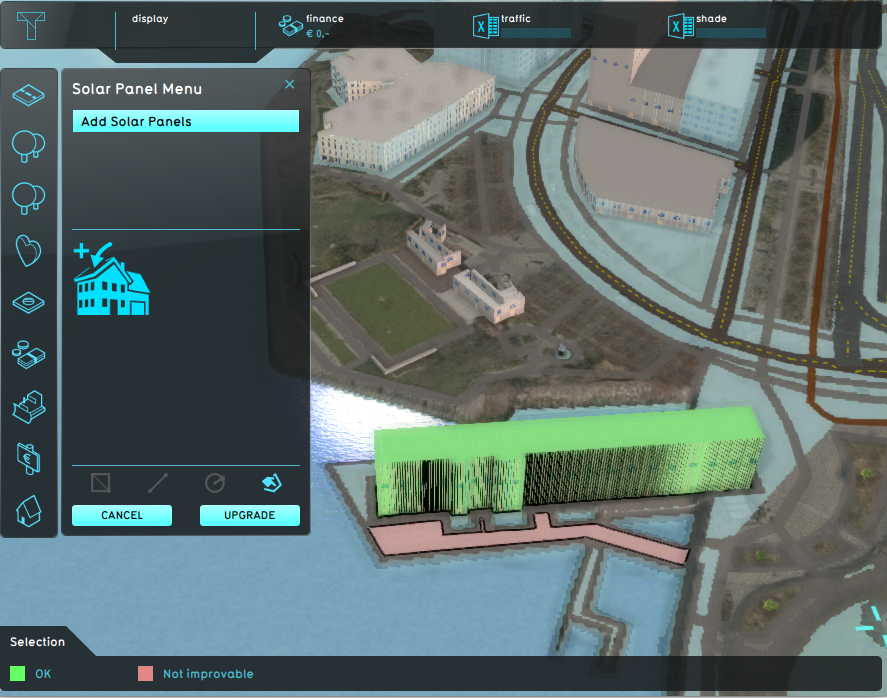 Planning the Attribute Action in a test-run session.
 -
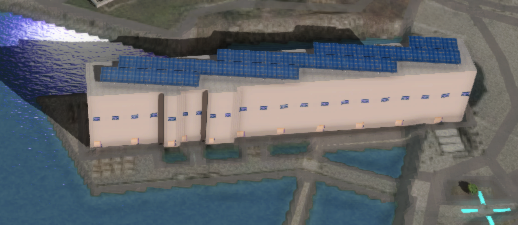 The effects of a planned Attribute Action, where the building now has solar panels.


Where can I find Attribute Actions in the Tygron Platform?
Editor → Future Design (Ribbon tab) → Attributes (Ribbon bar)
Attribute Actions can be found under the Future Design tab in the editor of the Tygron Platform.
How-to's
See also
API Endpoints
 Future Design