How to allow a Chat Channel to edit a project
Jump to navigation
Jump to search
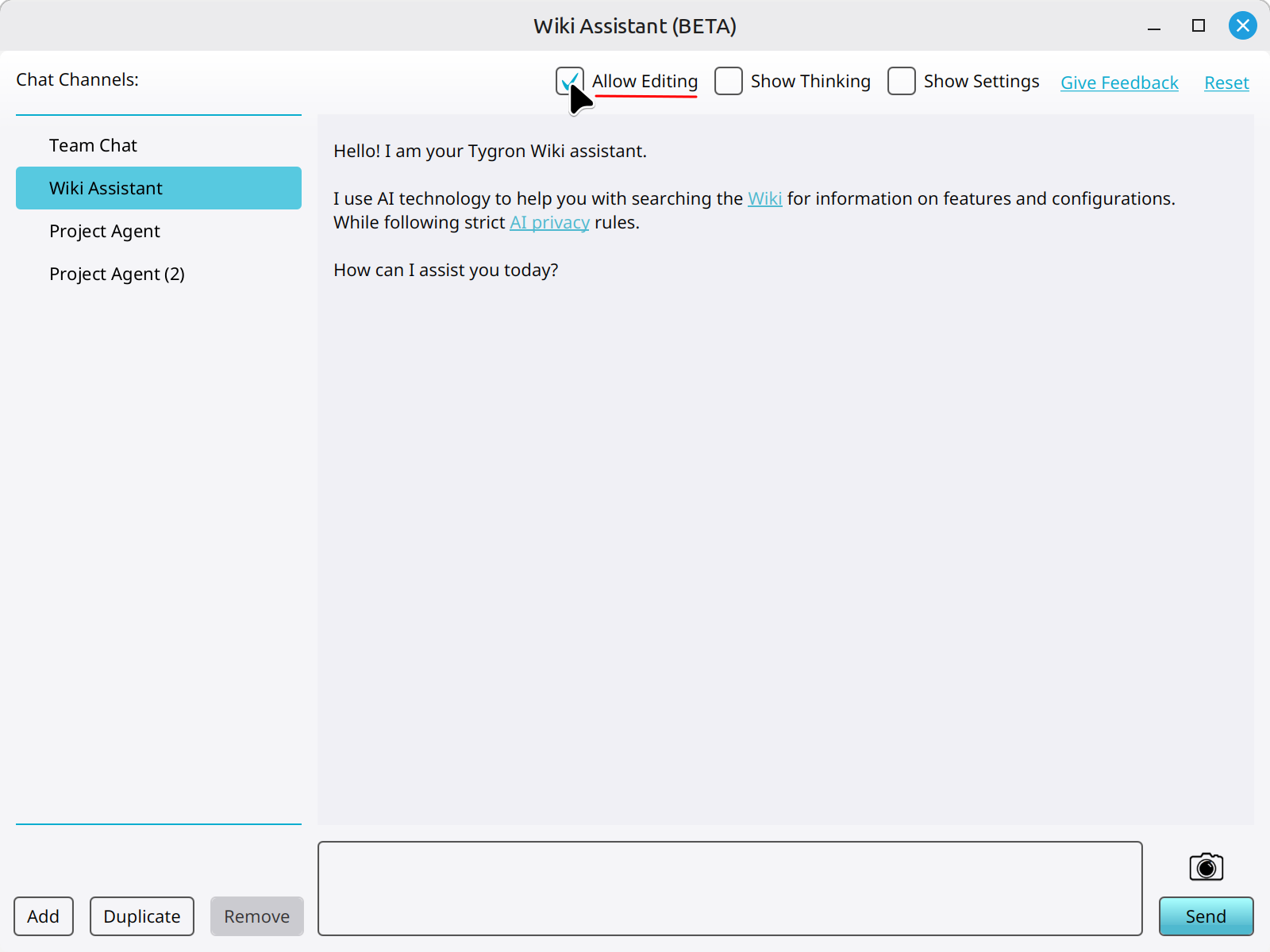
How to allow a Chat Channel to edit a project:
-

-
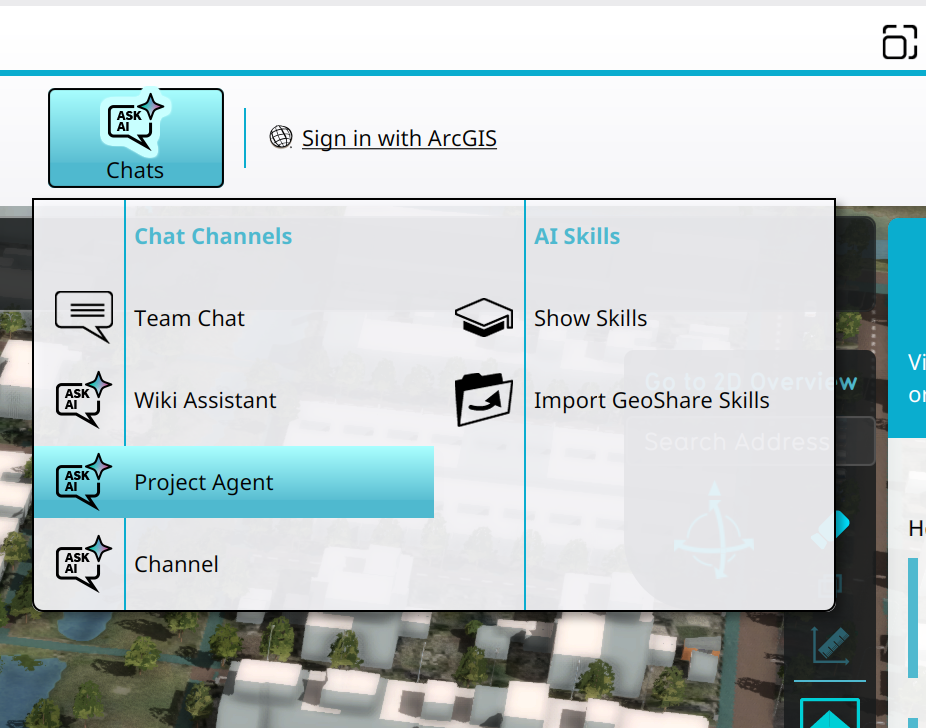 Selecting the Project Agent in the Chats Popup.
 -


Notes
- Allow Editing is a general setting. It applies to the project session, not to a particular AI Agent.
How-to's
- How to add a Chat Channel
- How to duplicate a Chat Channel
- How to remove a Chat Channel
- How to set the instructions of a Chat Channel
- How to change the LLM of a Chat Channel
- How to configure a Chat Channel
- How to toggle the thinking section of a Chat Channel