How to toggle the thinking section of a Chat Channel
Jump to navigation
Jump to search
How to toggle the thinking section of a Chat Channel:
-

-
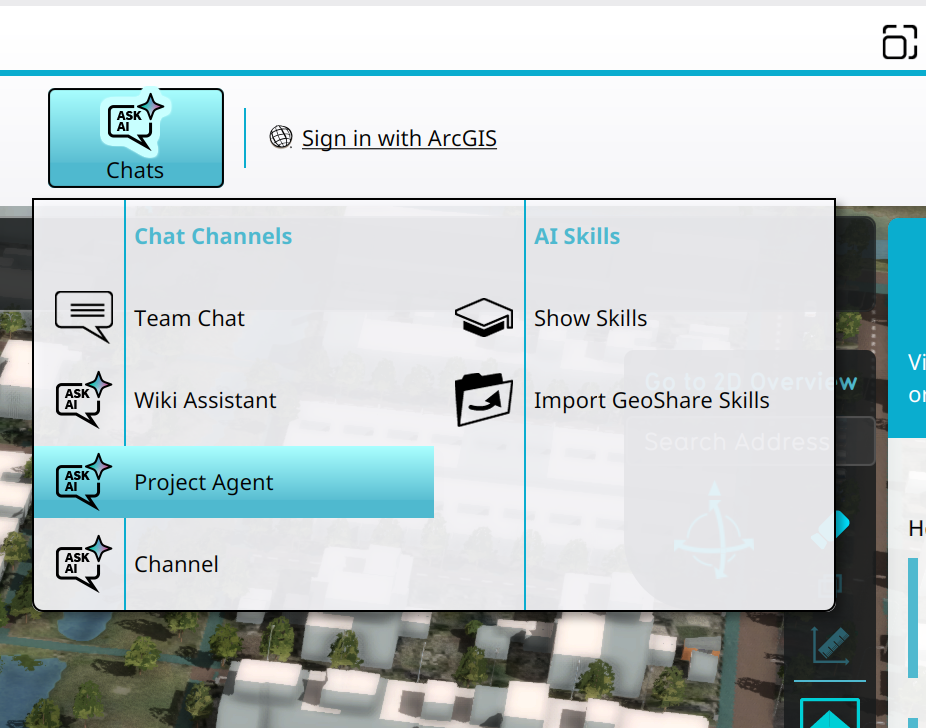 Selecting the Project Agent in the Chats Popup.
 -
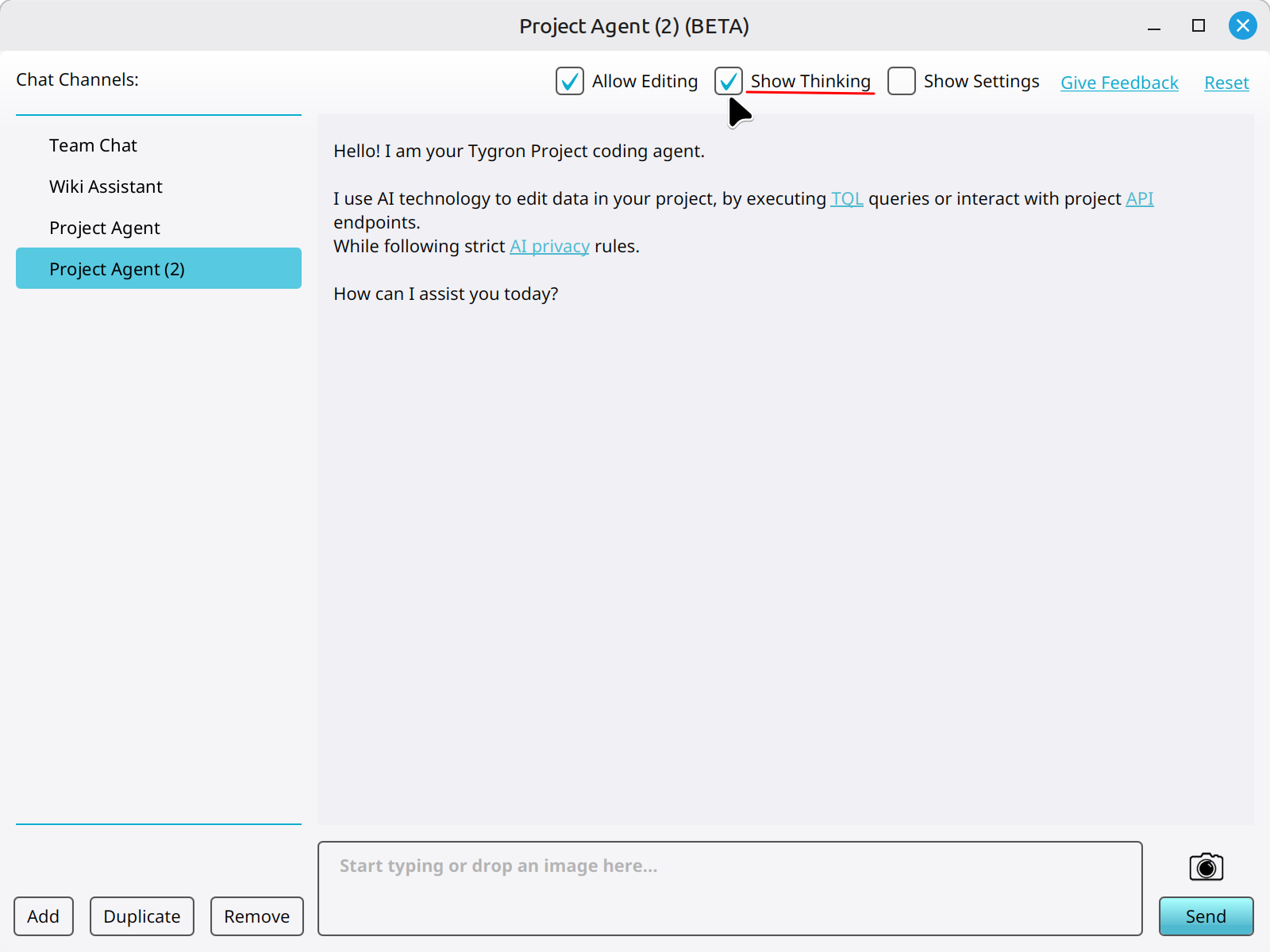 Clicking on the Show Thinking checkbox to show the thinking part of Chat Messages related to the Chat Channel.


Notes
- This setting is stored in the Chat panel.
- Chat Messages contain no thinking part when a Chat Channel has thinking disabled.