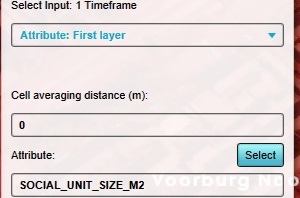
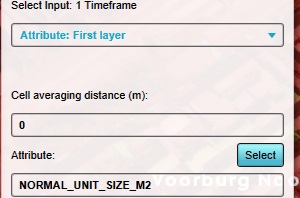
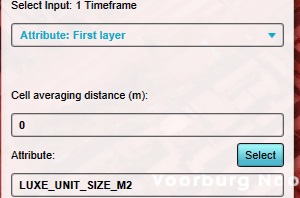
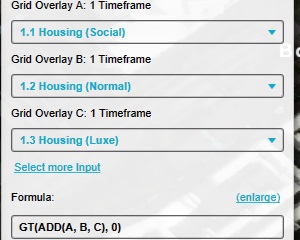
A Grid Overlay is useful for visualizing residences that require special consideration, restrictions, or protections. Such a Grid Overlay can be created by testing which locations have a defined size for residences.
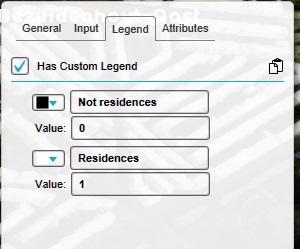
Switch to the "Legend" tab, and activate the "custom legend".
Remove all legend entries of the Combo Overlay.
Add an entry, configured so that: Name: Not residences value: 0 Color: black
Add an entry, configured so that: Name: Residences value: 1 Color: lightgray
Notes
Although there are also "senior housing" and "student housing" categories of residences available, those are rarely used and as such not includes in the instructions. To add them, add 2 more Average Overlays with SENIOR_UNIT_SIZE_M2 and STUDENT_UNIT_SIZE_M2 respectively, add then to inputs D and E of the Combo Overlay, and expand the formula to include the D and E parameters: GT(ADD(A,B,C,D,E),0)