How to remove a traffic unit
It is not possible to remove a Unit Type. Instead, deactivate the Unit Type to hide it from the 3D Visualization.
How to Deactivate a Unit Type:
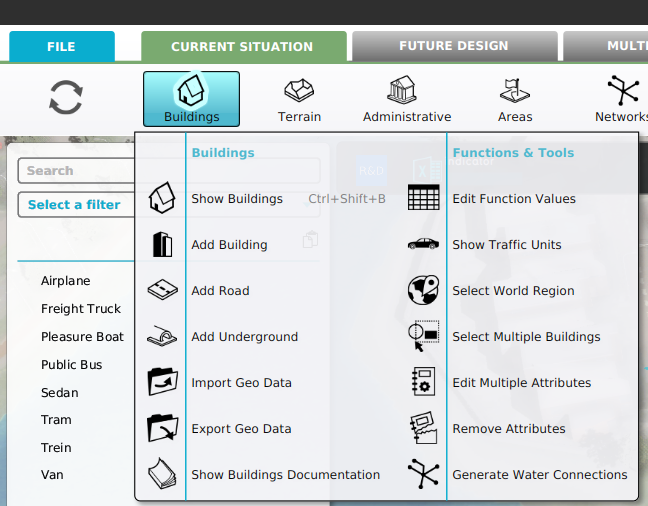
- Select Current Situation.
- Hover Buildings on the ribbon bar.
- Select Show Traffic Units in the popup.
- Select the Unit Type in the list in the left panel.
- Uncheck the Active in Simulation checkbox in the right panel.
-
-
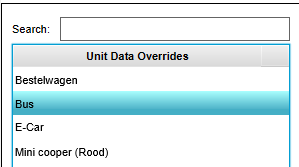 Select the Unit Type to be deactivated.
 -
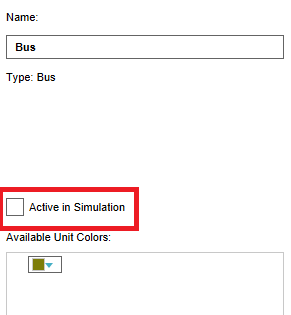 Uncheck the Active in Simulation checkbox.


