How to edit the amount of units per hour
The amount of units per hour can be edited and is used for displaying traffic overlays in the 3D Visualization.
Editor → Current Situation (Ribbon tab) → Buildings (Ribbon bar) → The Building to edit (Left panel)
How to Edit the amount of units per hour for a Unit Type:
- Select Current Situation.
- Select Buildings on the ribbon bar.
- Select "Roads" in the left panel.
- Select the desired road (part) in the left panel
- Change the units per hour in the right panel
- Optionally change the Function of the road if it does not support your Unit Type.
-
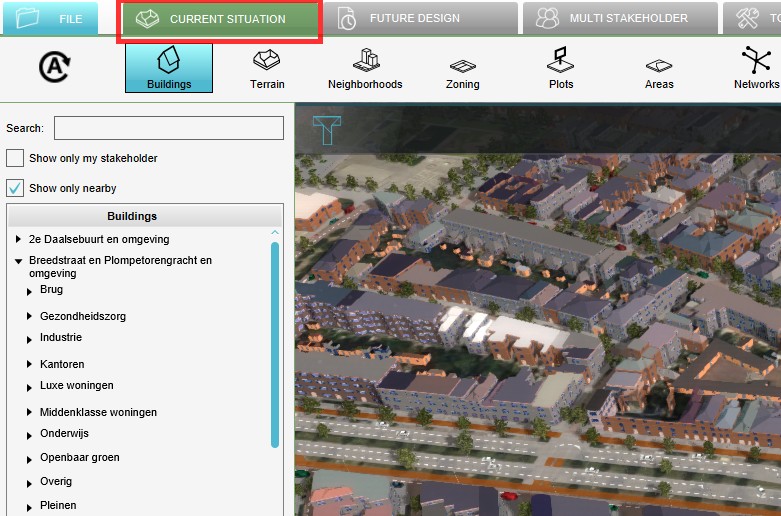 Select Current Situation
 -
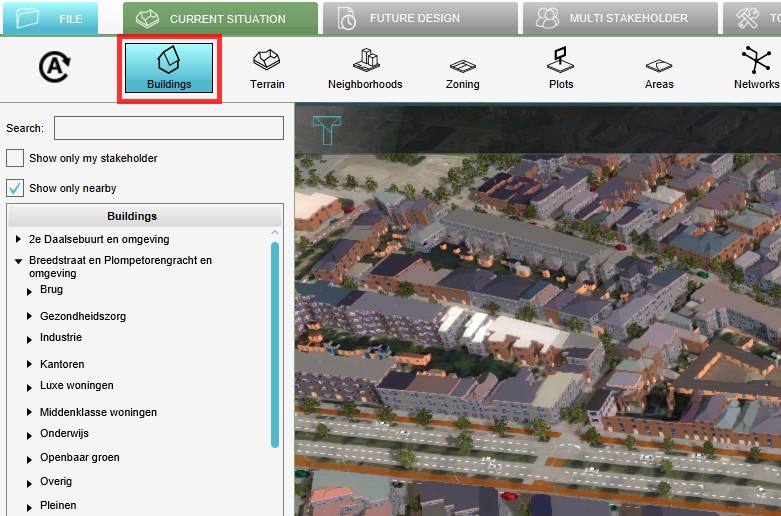 Select Buildings from ribbon bar
 -
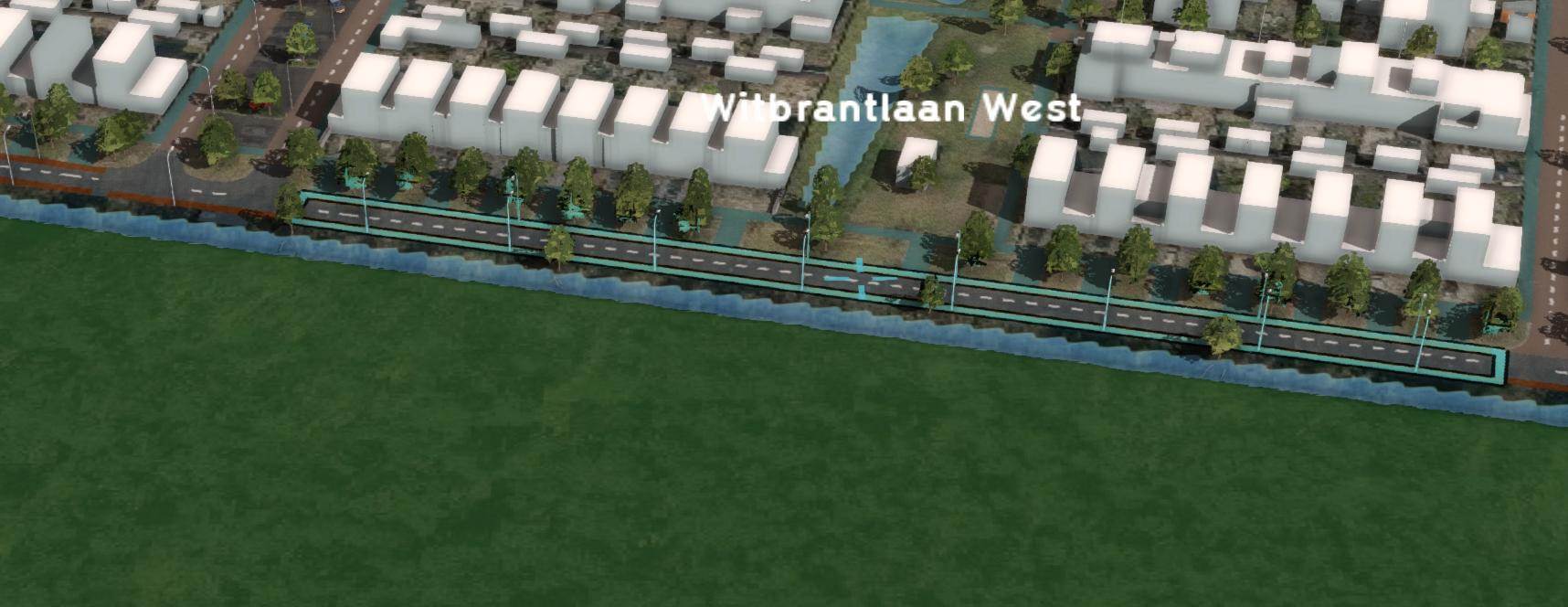 Click on the desired road in the 3D Visualization
 -
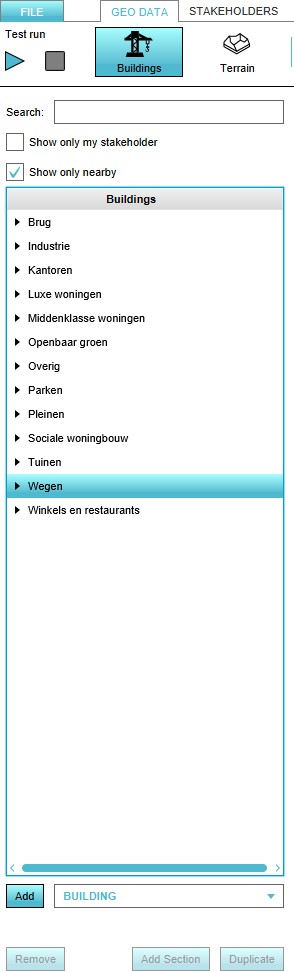 Alternatively, open the 'Roads' Category and select the desired road
 -
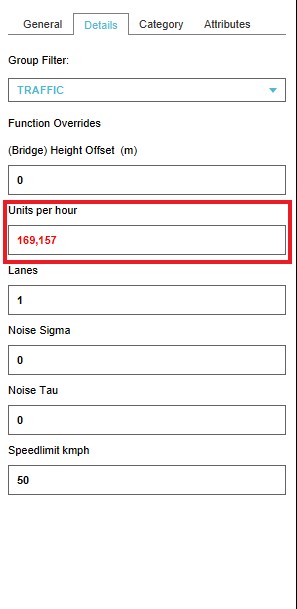 Change the units per hour in the right panel
 -
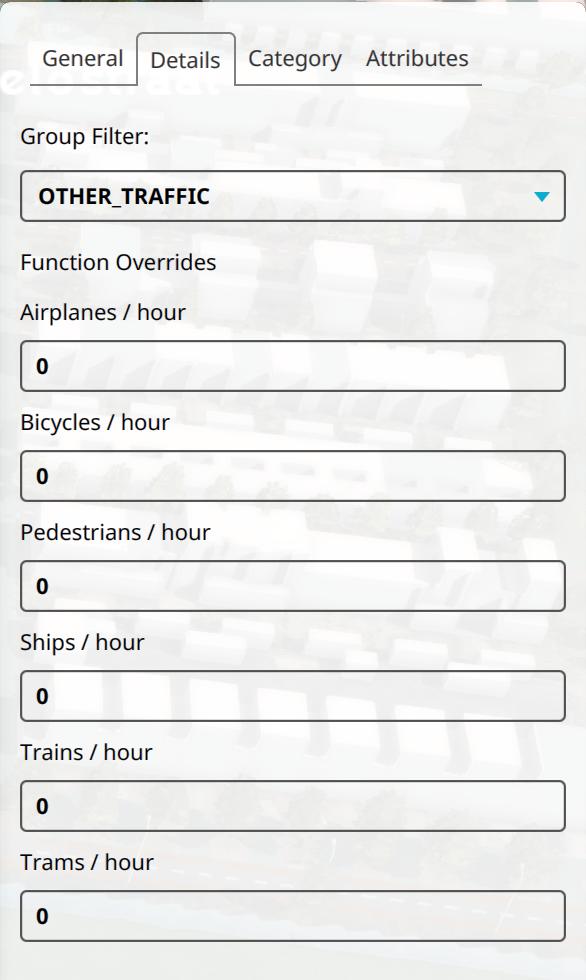 Change the other units per hour in the right panel by selecting OTHER_TRAFFIC for group filter.


