How to change Attributes for a Function
When a Function is added to the list of Functions, and Attributes have been defined for it, its Attribute values can be modified.
-
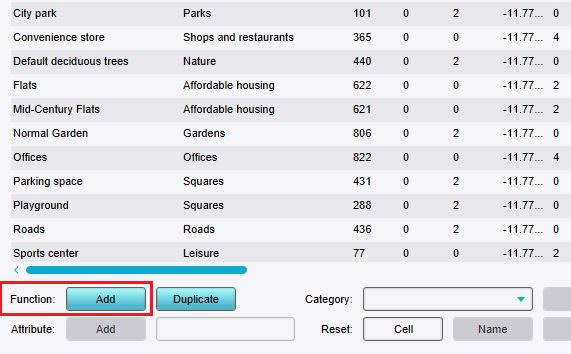 Click on "Add" to open the Function selector.
-
 Set the group filter to Custom or Attributes.
-
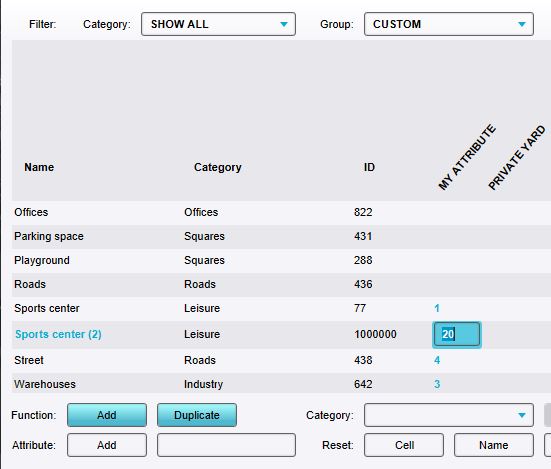 Editing an added Attribute by double-clicking on the field and typing a value.


How-to's
- How to add Functions for editing
- How to create Functions
- How to add an Attribute to a Function
- How to change the Category of a Function