How to add an Attribute to a Function
While each Function in Tygron Platform has many Function Values, the defaults may not cover all building aspects needed for your calculations. It is possible to add user-defined Attributes to any Function, which behave very similarly to built in Function Values.
How to add an Attribute to a Function:
-
 Set the group filter to Custom.
 -
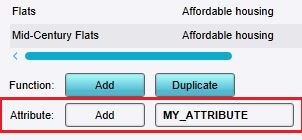 Type the name of the new attribute and click on the Add button.
 -
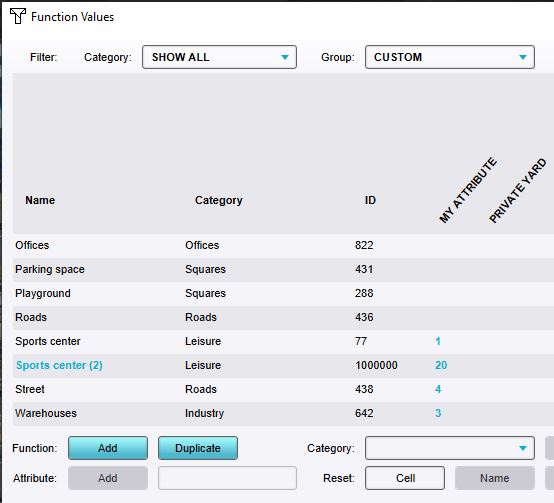 Attribute column has been added and several functions have been given a value for the custom attribute.


Notes
- Selecting the group filter Custom hides the default function and category values of a function. The group filter Attributes shows both.
- The Function selected in the Function Values window will have the added Attribute set to 1. Other Functions will have their value for that Attribute listed as 0.