How to add an Area: Difference between revisions
Jump to navigation
Jump to search
m Reverted edit by Maxim@tygron.com (talk) to last revision by Frank@tygron.nl Tags: Rollback Reverted |
m Reverted edits by Maxim@tygron.com (talk) to last revision by Frank@tygron.nl Tag: Rollback |
| (One intermediate revision by the same user not shown) | |
(No difference)
| |
Latest revision as of 14:57, 17 June 2026
To add an area to the world select "Add" at the bottom of the Left Panel. A new area will be added.
How to add an area:
- Select "Areas" in the ribbon bar.
- Select "Add" in the left panel.
-
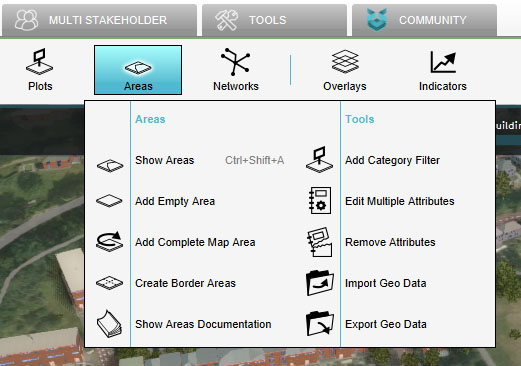 Select "Areas"
 -
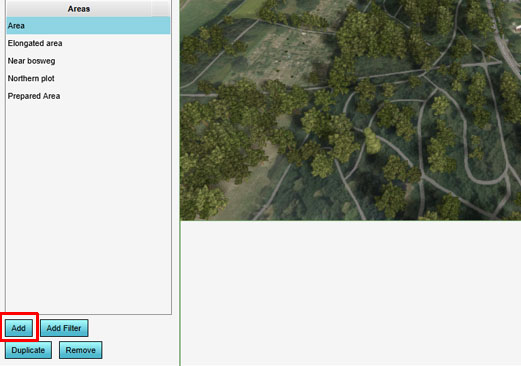 Select "Add"

