How to add a new Skill
Jump to navigation
Jump to search
How to add a new Skill:
-
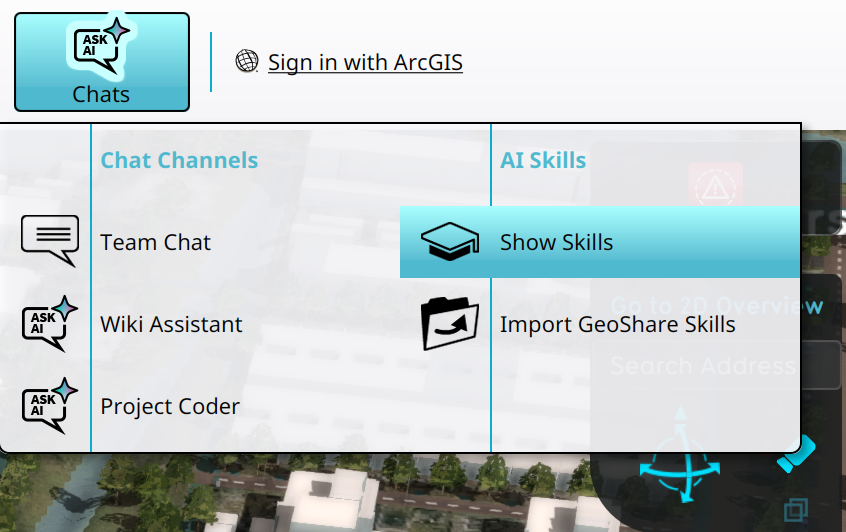 Opening the Skills overview using the Chats popup

Notes
- Writing skill content for LLMs can be difficult. See the how-to's and references for guidelines.
How-to's
See also
References