How to add an Area
To add an area to the world select "Add" at the bottom of the Left Panel. A new area will be added.
How to add an area:
- Select "Areas" in the ribbon bar.
- Select "Add" in the left panel.
-
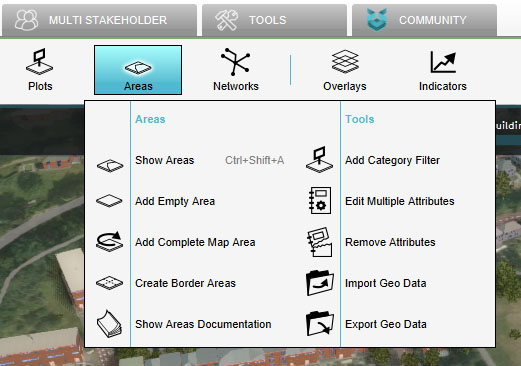 Select "Areas"
 -
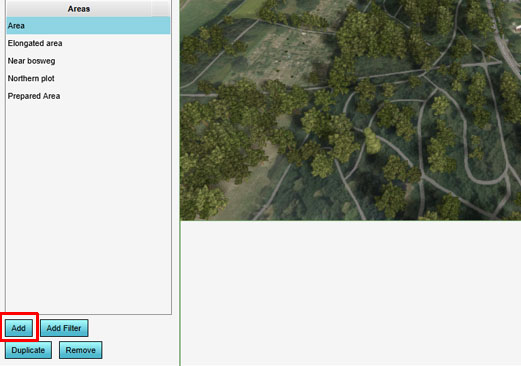 Select "Add"
To add an area to the world select "Add" at the bottom of the Left Panel. A new area will be added.

