Web panel: Difference between revisions
Jump to navigation
Jump to search
No edit summary |
No edit summary |
||
| Line 1: | Line 1: | ||
The ''web panel'' is a panel that opens when inspecting a [[Panel]] item, either by clicking on its [[popup]] in the [[3D Visualization]] or by opening using the [[ | The ''web panel'' is a panel that opens when inspecting a [[Panel]] item, either by clicking on its [[popup]] in the [[3D Visualization]] or by opening using the [[Editor]] interface. | ||
It shows the | It shows the HTML (web) content that is configured in the [[Web Panel]] item in the browser of the [[Viewer]] interface. This can be a from simple text to an official web page, depending on the [[Panel#Types|type of panel]]; Text, Web or Excel. | ||
The panel currently has a set width and height, which is configured in the [[Web Panel]]'s panel, though the actual size of the panel is still limited by the size of your window. | The panel currently has a set width and height, which is configured in the [[Web Panel]]'s panel, though the actual size of the panel is still limited by the size of your window. | ||
Revision as of 11:55, 6 July 2026
The web panel is a panel that opens when inspecting a Panel item, either by clicking on its popup in the 3D Visualization or by opening using the Editor interface.
It shows the HTML (web) content that is configured in the Web Panel item in the browser of the Viewer interface. This can be a from simple text to an official web page, depending on the type of panel; Text, Web or Excel.
The panel currently has a set width and height, which is configured in the Web Panel's panel, though the actual size of the panel is still limited by the size of your window.
-
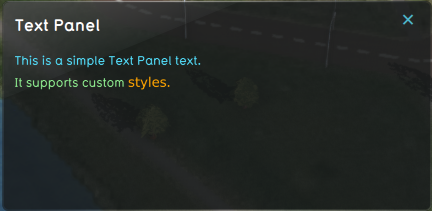 Web panel showing the content of a Text Panel item.
 -
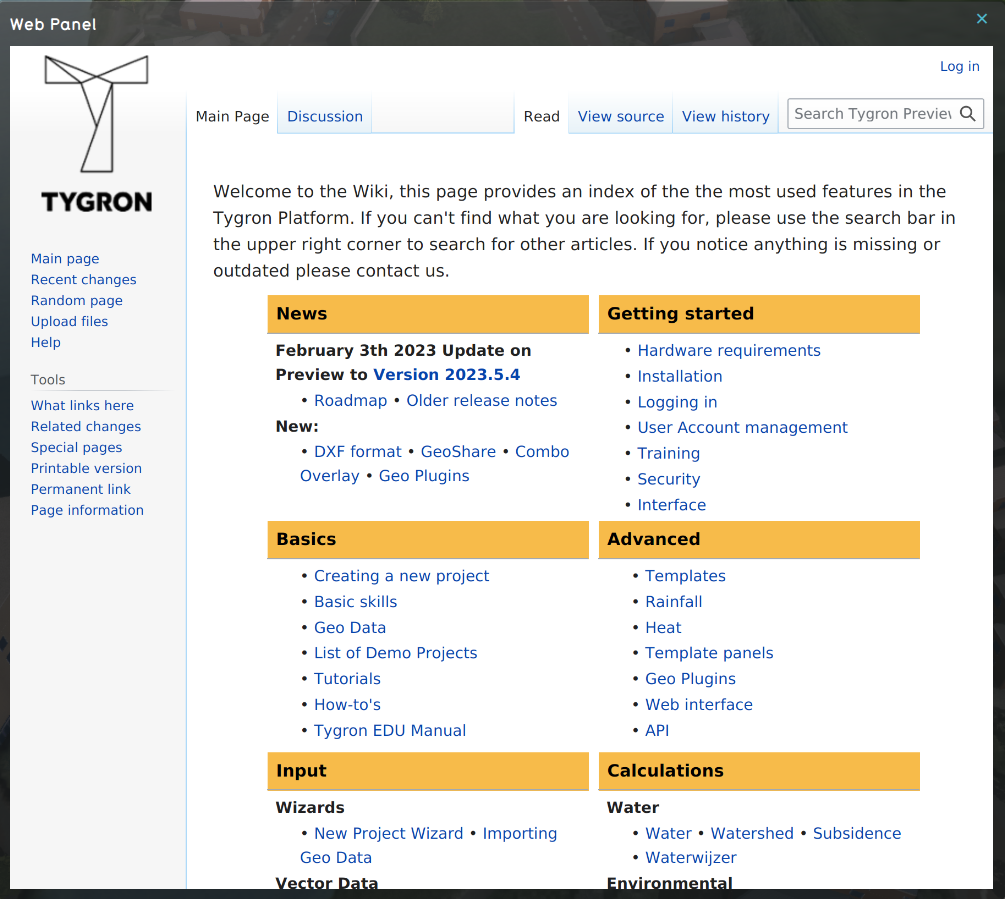 Web panel showing the content of a Web Panel item.
 -
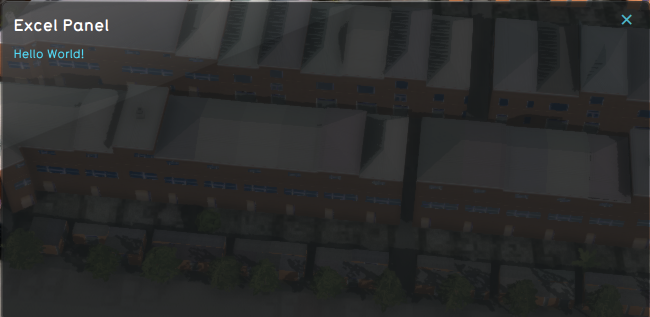 Web panel showing the content of an Excel Panel item.


See also