How to add an Area: Difference between revisions
Jump to navigation
Jump to search
m Reverted edit by Maxim@tygron.com (talk) to last revision by Frank@tygron.nl Tags: Rollback Reverted |
No edit summary Tag: Reverted |
||
| Line 12: | Line 12: | ||
* [[Area]] | * [[Area]] | ||
|api=*[[Api session event editor | |api=*[[Api session event editor unitdataoverride duplicate]] | ||
}} | }} | ||
[[Category:How-to's]][[Category:Area]] | [[Category:How-to's]][[Category:Area]] | ||
Revision as of 14:57, 17 June 2026
To add an area to the world select "Add" at the bottom of the Left Panel. A new area will be added.
How to add an area:
- Select "Areas" in the ribbon bar.
- Select "Add" in the left panel.
-
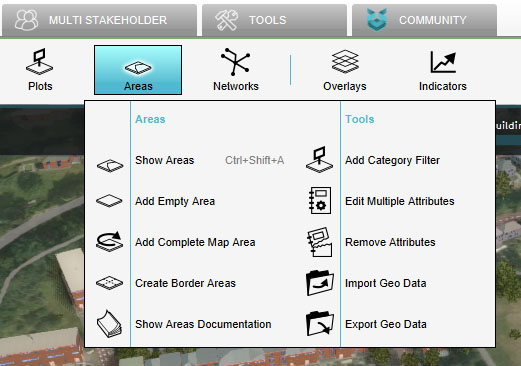 Select "Areas"
 -
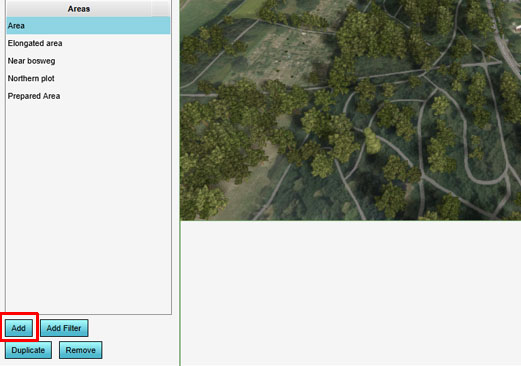 Select "Add"

