How to add and remove Buildings to a measure
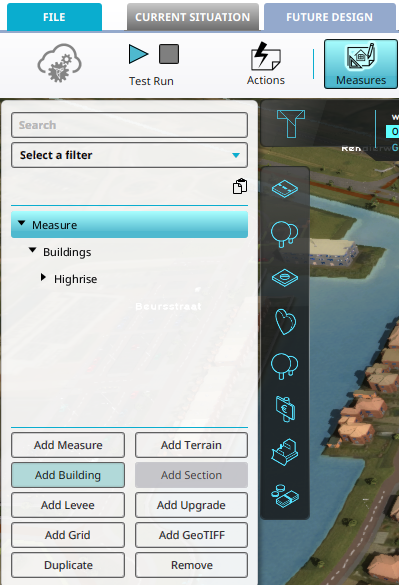
How to How to add a Building to a Measure:
- Open a project in the editor.
- Select Future Design in the ribbon bar.
- Click on Measures in the ribbon bar.
- Select the Measure you want to add a Building to.
- Click on 'Add Building' in the Measure Overview left panel
How to How to remove a Building from a Measure:
- Open a project in the editor.
- Select Future Design in the ribbon bar.
- Click on Measures in the ribbon bar.
- Select the Building(s) of the Measure you want to remove.
- Click on 'Remove' in the Measure Overview left panel
- Confirm the removal in the dialog window.
-
-
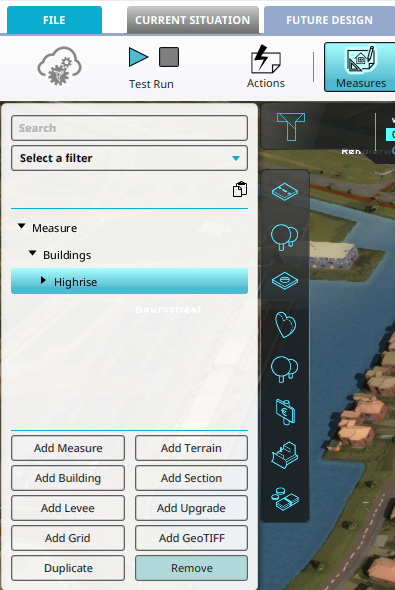 Click on the 'Remove' button to remove the selected Building(s) from a Measure.


Notes
- Click on the 'Add Section' button to add a Section to a selected Building of a Measure.