How to remove an Area
To remove an area, select an area in the left panel, and select "Remove" at the bottom of the panel.
How to remove an area:
- Select "Areas" in the ribbon bar.
- Select the area you wish to remove.
- Select "Remove" in the left panel.
-
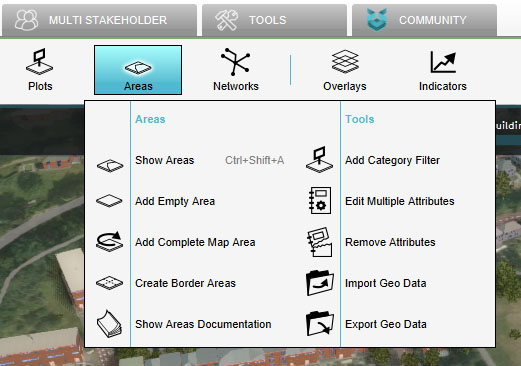 Select "Areas"
 -
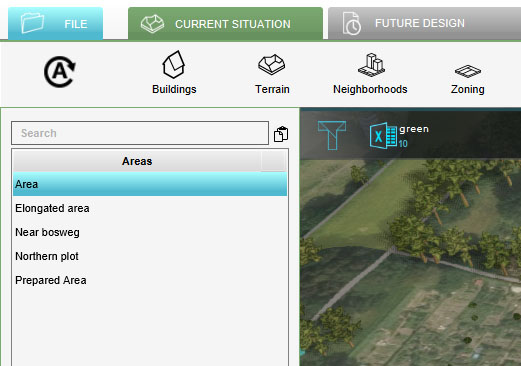 Select Area to Remove
 -
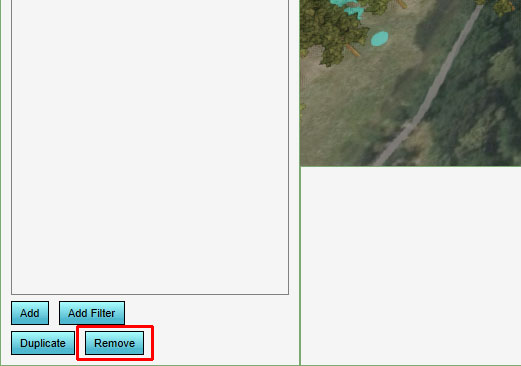 Click on Remove


