How to add and activate a traffic unit
By selecting the 'Add' button on the bottom of list of units, a new panel with unit types appears. By selecting the desired unit from the list, and then the 'Apply' button, the unit is added to the project, but not activated yet. By highlighting the newly added unit on the left panel, the unit details become available on the right side. Here is also a checkbox to set the unit Active in Simulation.
-
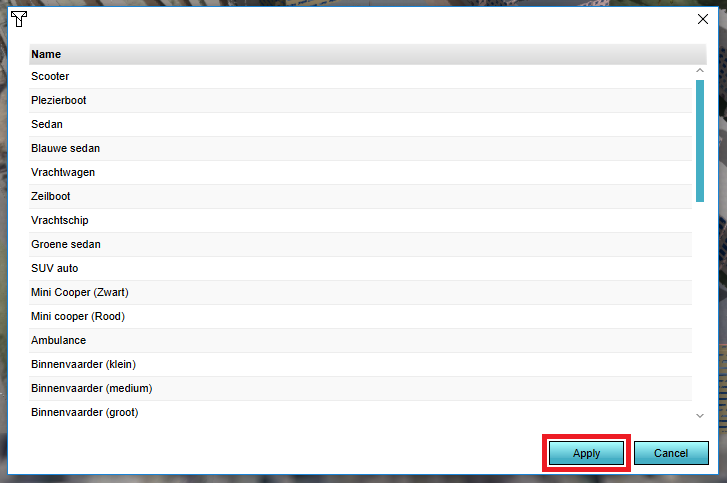 Select desired unit type and apply
-
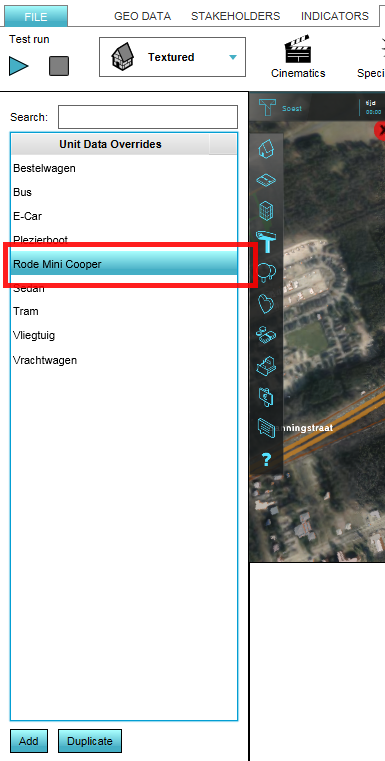 Select the newly added Unit
-
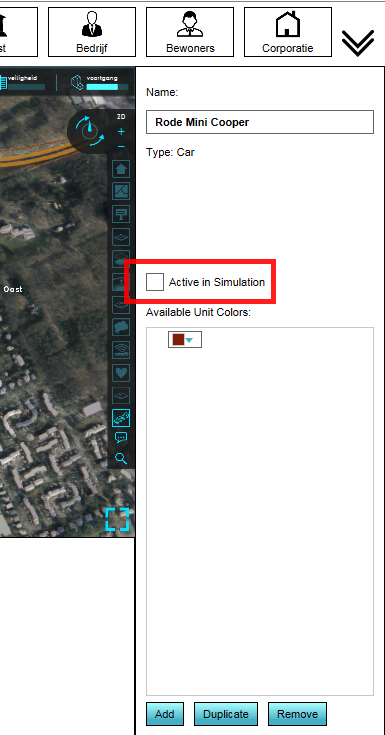 Set the Unit as Active in Simulation


