How to export Blender models to IFC: Difference between revisions
Jump to navigation
Jump to search
No edit summary |
No edit summary |
||
| Line 38: | Line 38: | ||
{{article end | {{article end | ||
|howtos=*[[How to export Revit models to IFC]] | |||
*[[How to export Sketchup models to IFC]] | |||
|seealso= | |seealso= | ||
* [[IFC]] | * [[IFC]] | ||
Revision as of 09:26, 10 July 2026
3D models can be exported from Blender to an IFC format, so that they can be imported in the Tygron Platform.
An IFC File can contain multiple hierarchies of Sites, Buildings, Building Storeys and individual Building parts, such as Structure Elements.
A basic knowledge of how to use the Blender software is assumed.
-
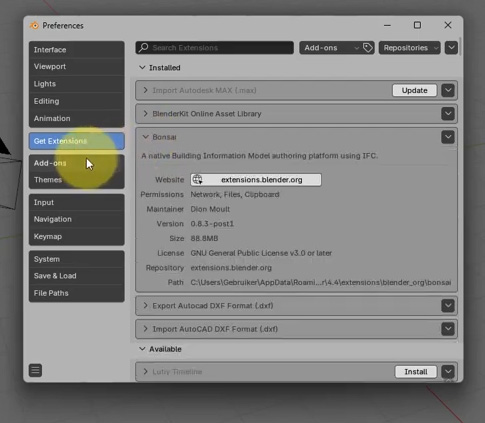 Bonsai plugin
-
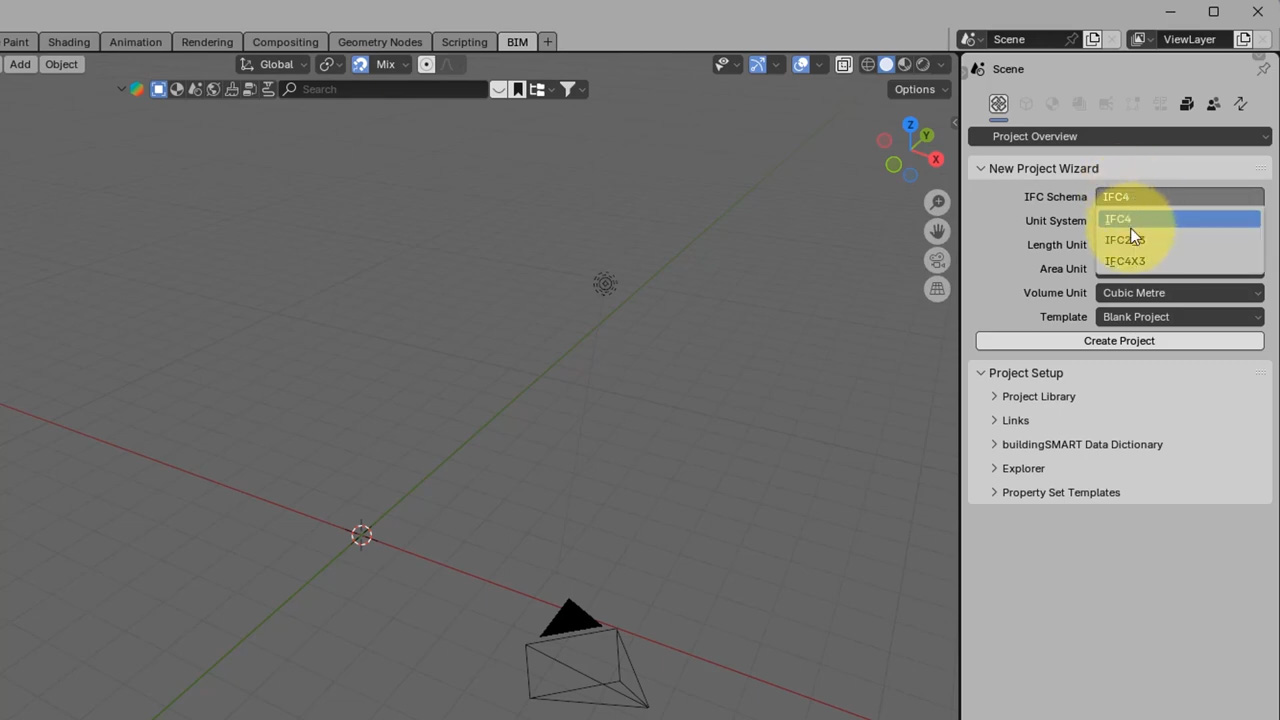 New project wizard
-
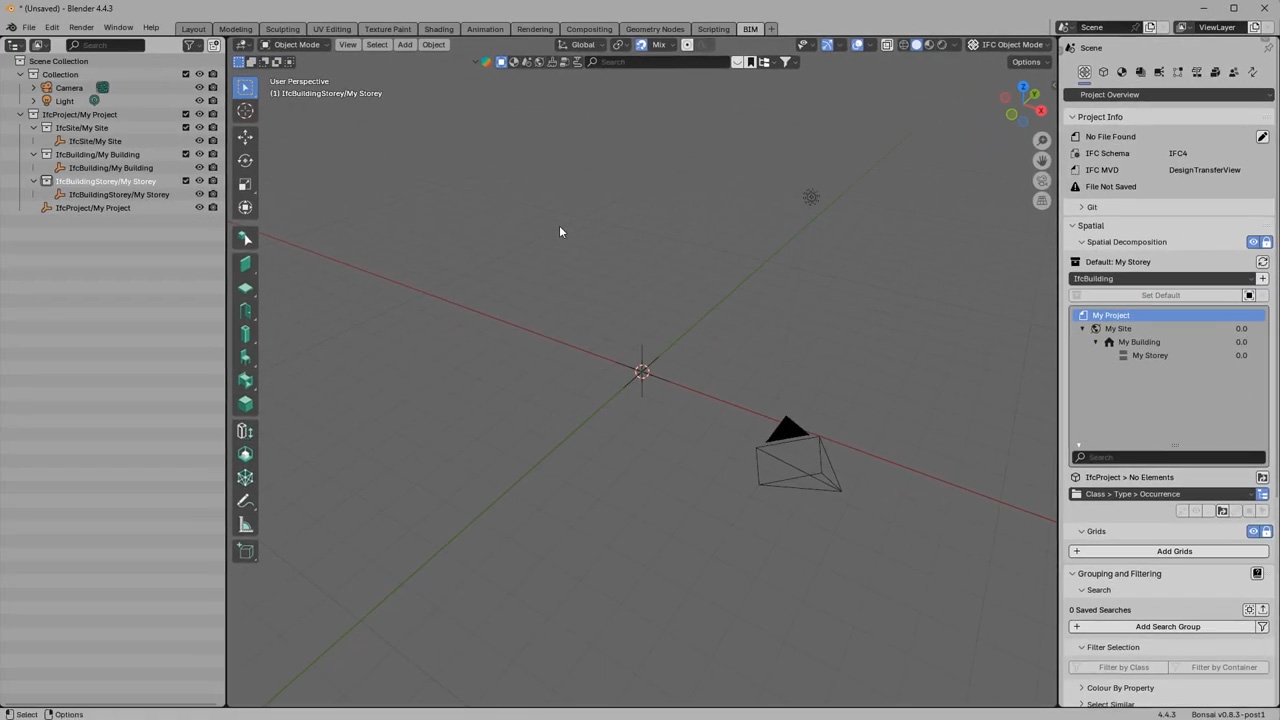 New project created
-
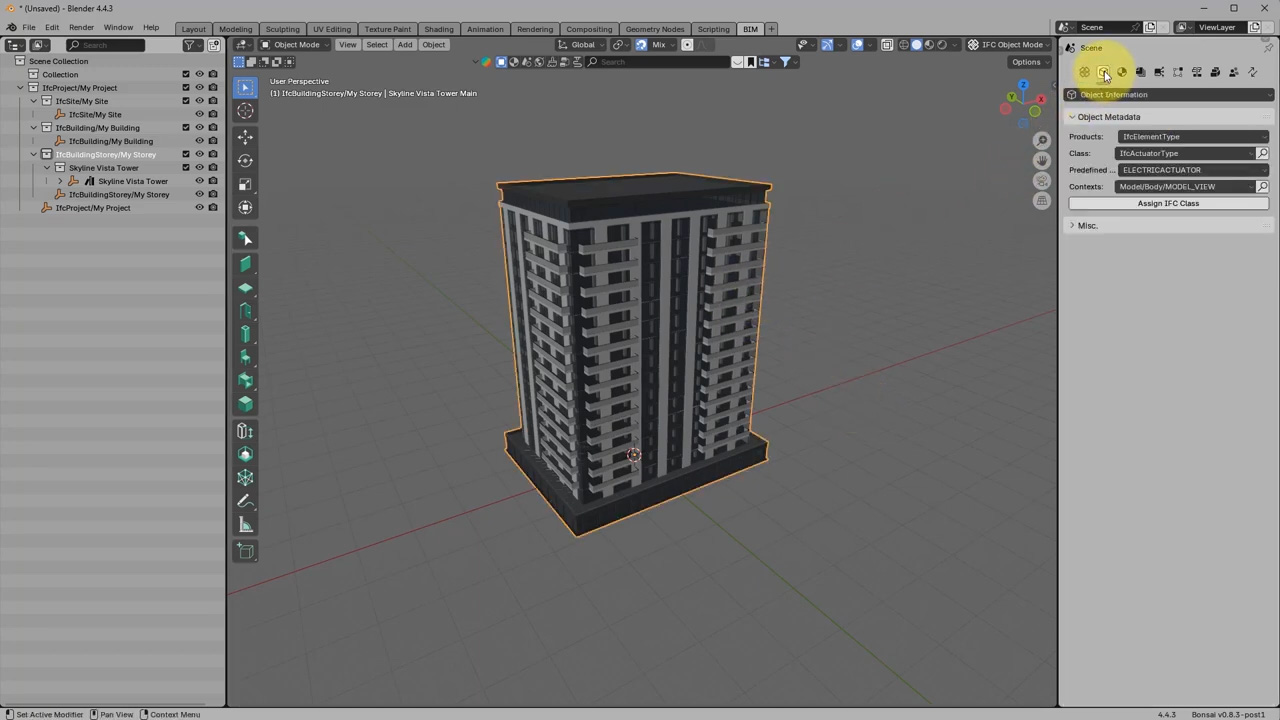 Open building
-
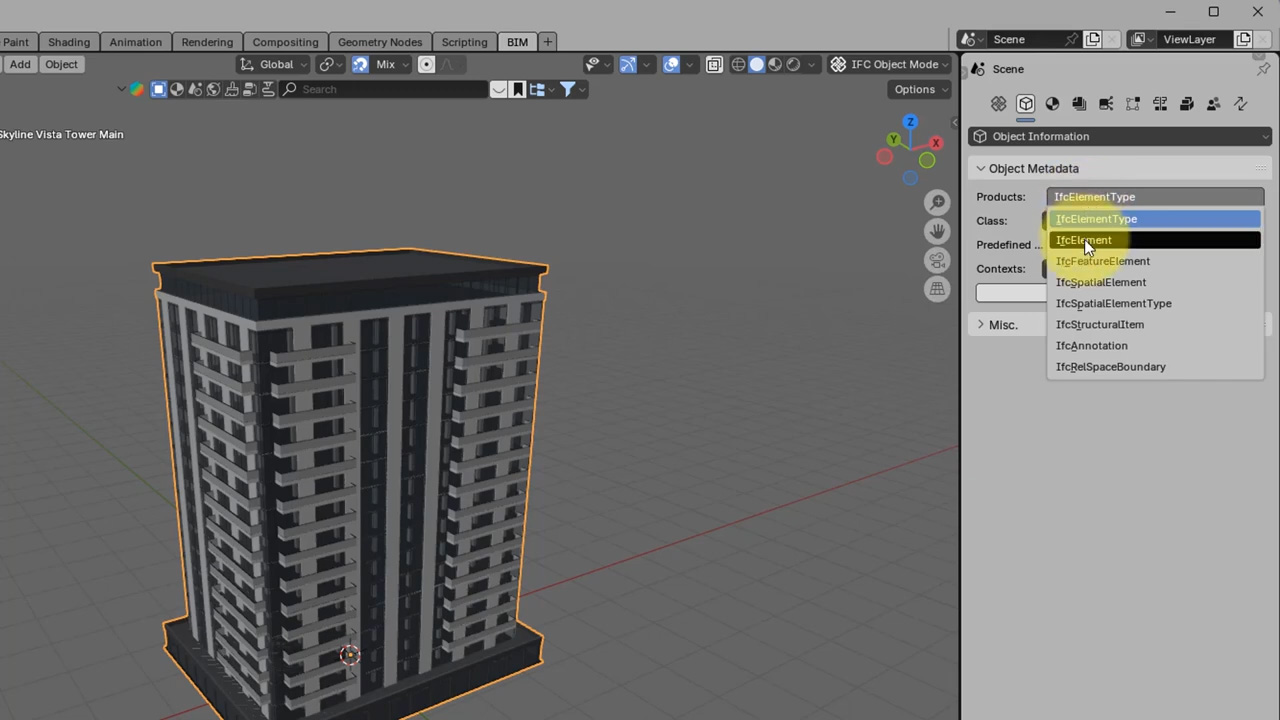 Assign ifc element
-
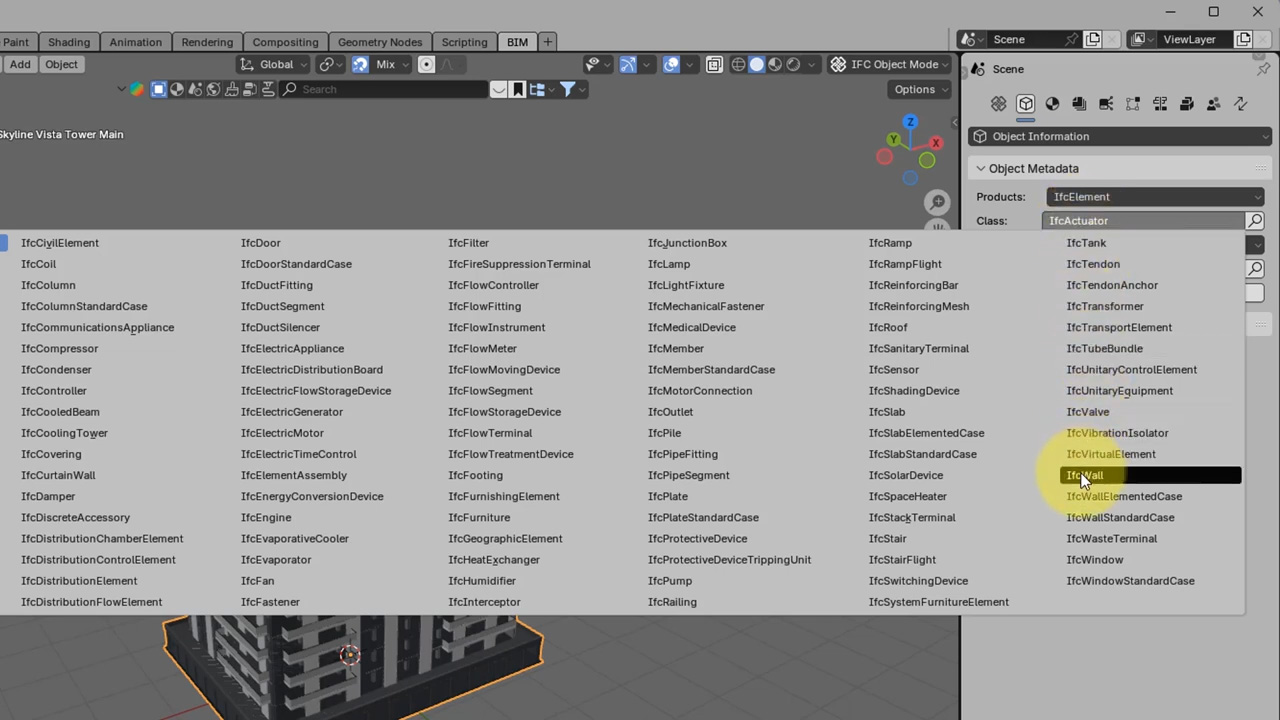 Assign ifc class
-
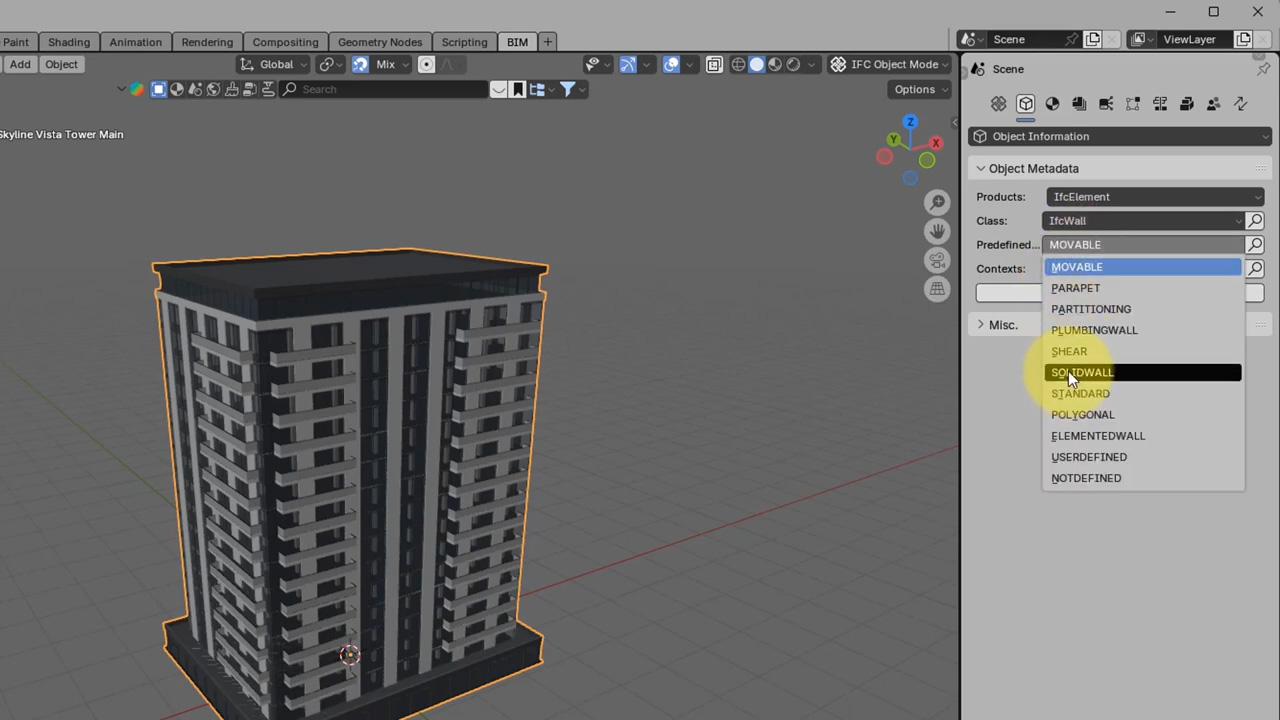 Assign type
-
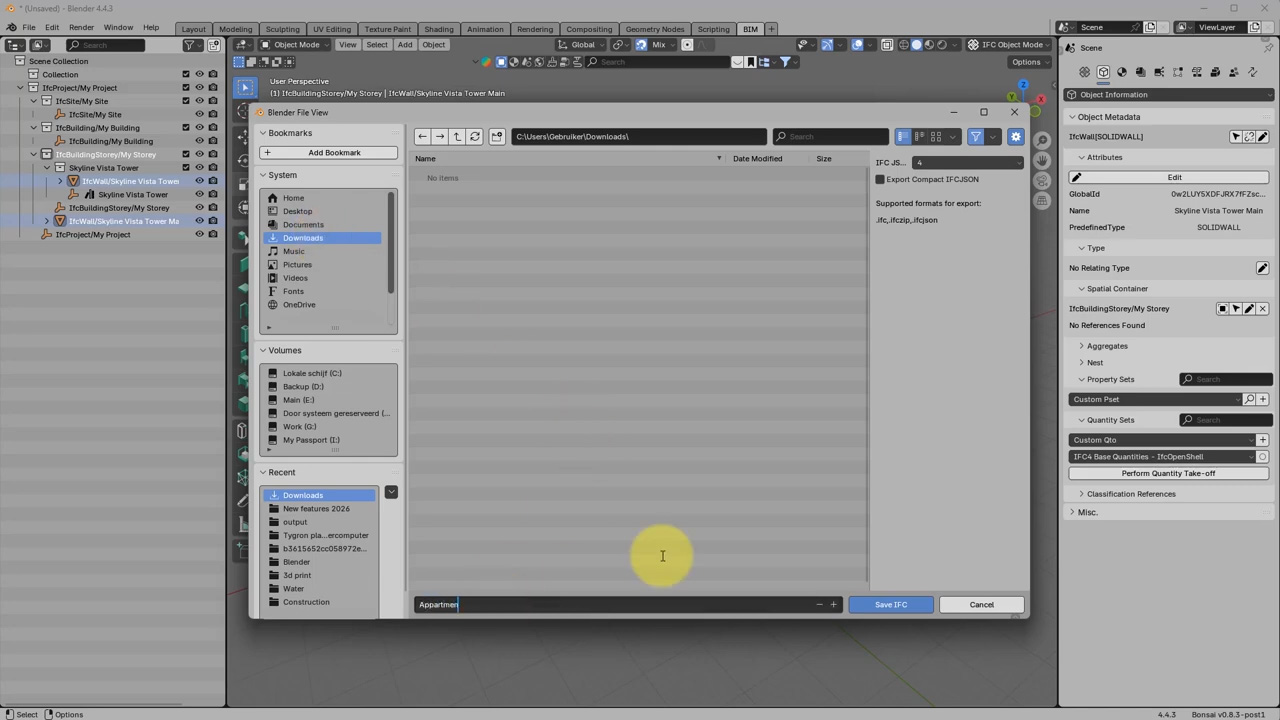 Save project


