How to remove an Area: Difference between revisions
Jump to navigation
Jump to search
No edit summary |
m Rudolf@tygron.nl moved page How to remove an area to How to remove an Area |
||
(No difference)
| |||
Revision as of 11:50, 12 October 2023
To remove an area, select an area in the left panel, and select "Remove" at the bottom of the panel.
-
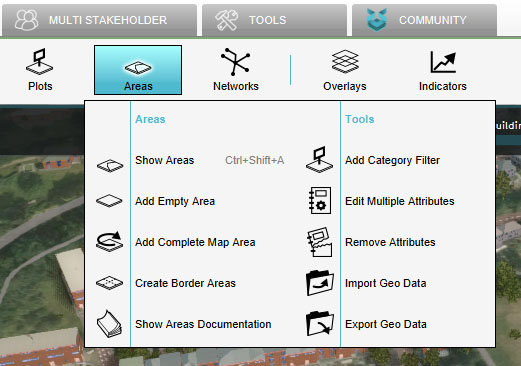 Select "Areas"
-
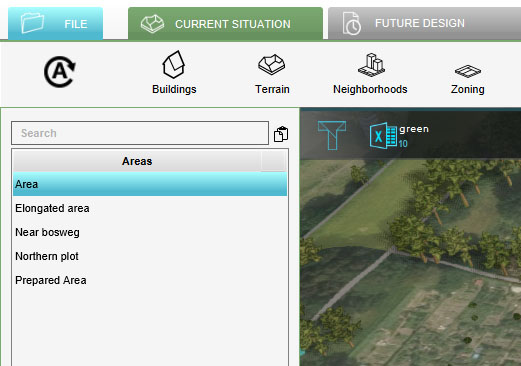 Select Area to Remove
-
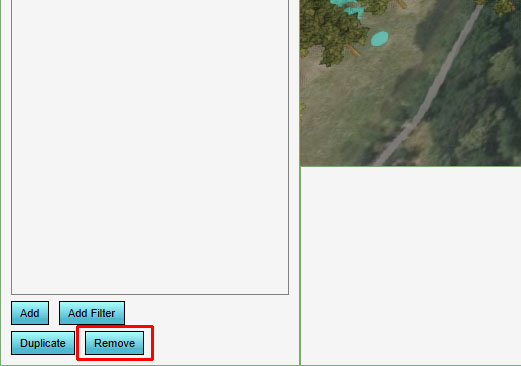 Click on Remove


