How to take a Screenshot
This how-to describes how to take a screenshot of the 3D Visualization with the editor interface hidden in the resulting image.
-
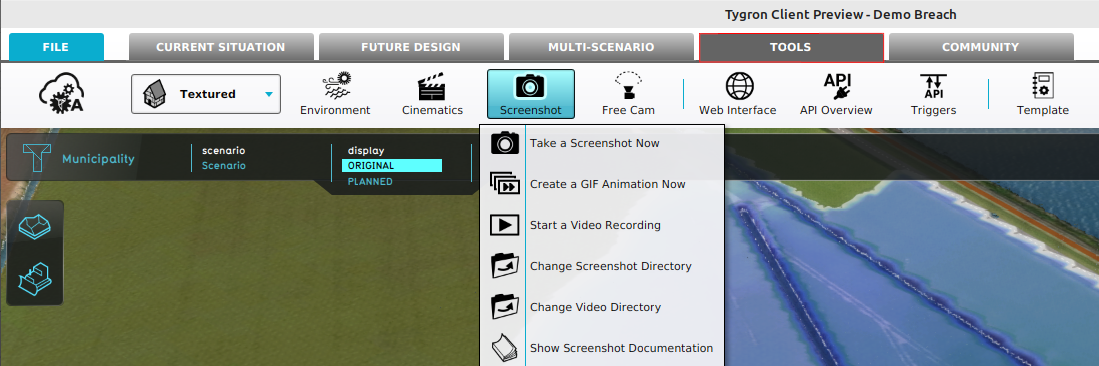 Select the Tools header in the Editor
-
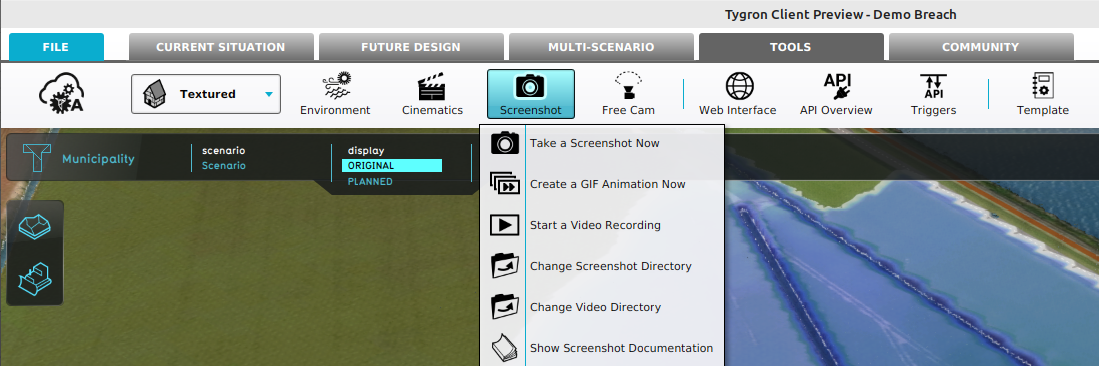 Select Screenshot in the ribbon bar
-
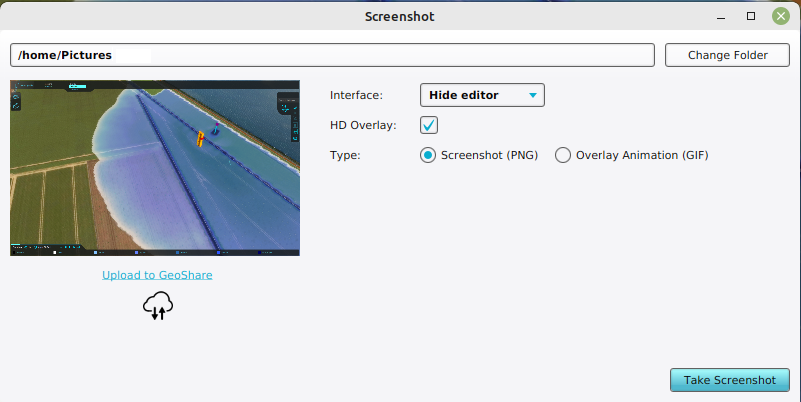 Click on the 'Take Screenshot' button to take the screenshot.


