Revision as of 16:19, 6 November 2023 by Frank@tygron.nl(talk | contribs)(Created page with "{{Editor location|Screenshot}} {{Editor steps|title= |Select the Overlay from which you want to create a GIF |Select in the editor ''Tools'' from the ribbon |Click on the ''Screenshot'' button to open the Screenshot panel. |Select the option ''Overlay Animation (GIF)'' for the type option. |Select HD Overlay when taking a screenshot of an overlay and you want a higher resolution (less gritty) overlay. |Optionally adjust the duration of the animation with the GIF (sec...")
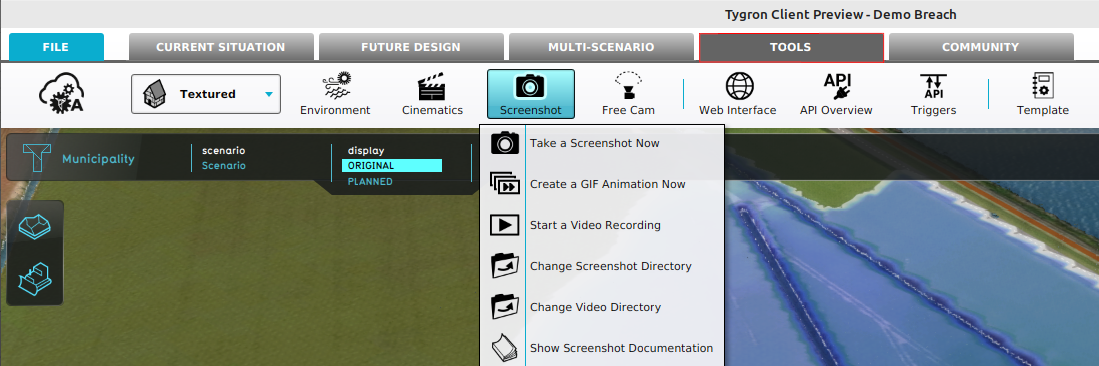 Select the Tools header in the Editor
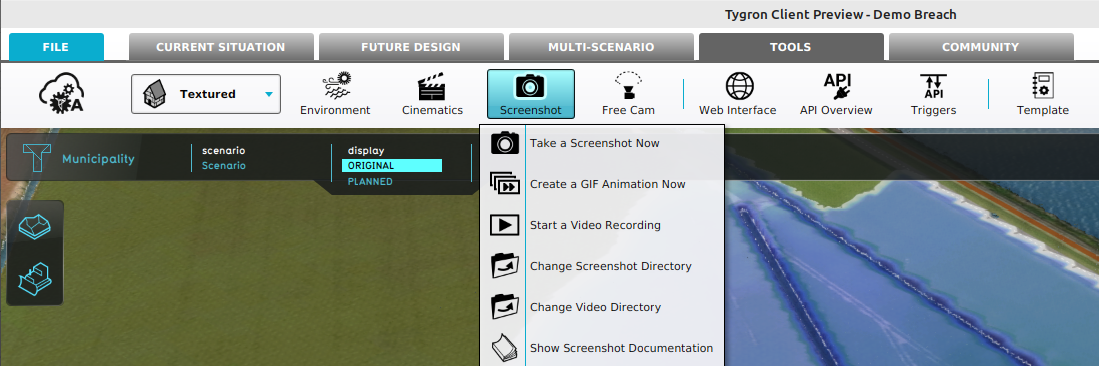 Select the Screenshot ribbon bar
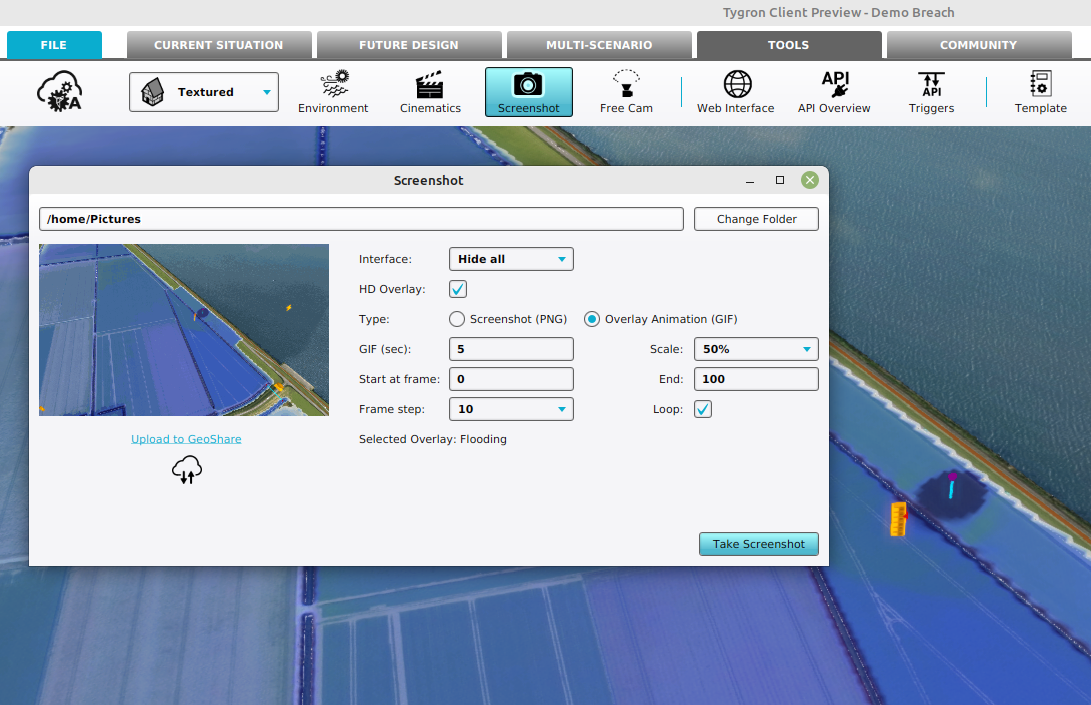 Click on the 'Take Screenshot' option to create the animation


