How to create a GeoShare Viewer
A GeoShare Viewer allows for the sharing of geographical data, most notably the results of calculations, via an easily sharable url without requiring the recipient to have an account for the Tygron Platform. Instead, the results are presented as a web viewer.
-
-
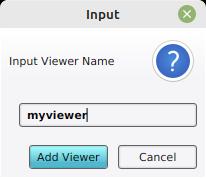 Provide a name for the GeoShare Viewer
-
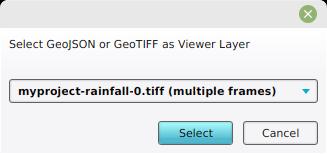 Provided option to add multiple GeoTIFFs at once.
-
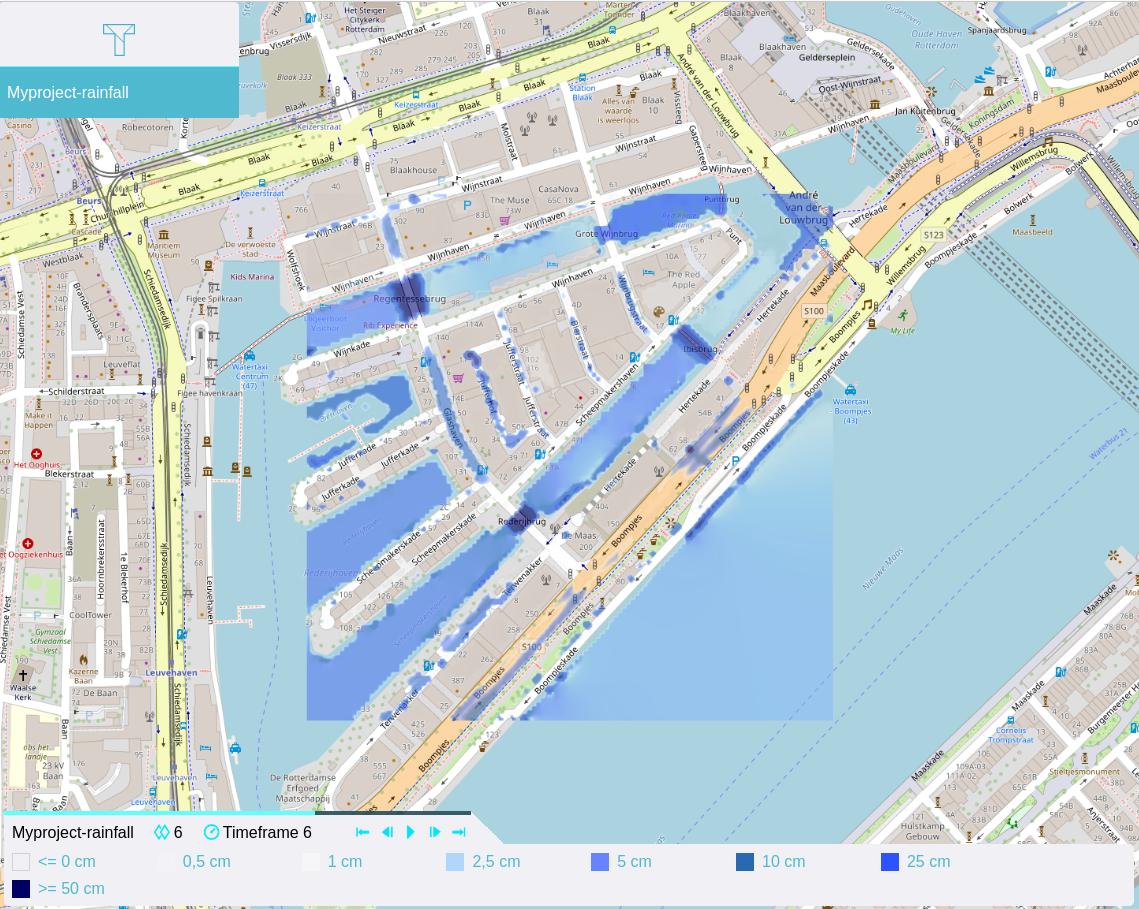 GeoShare Viewer with play button to animate GeoTIFFs.


Multiple timeframes
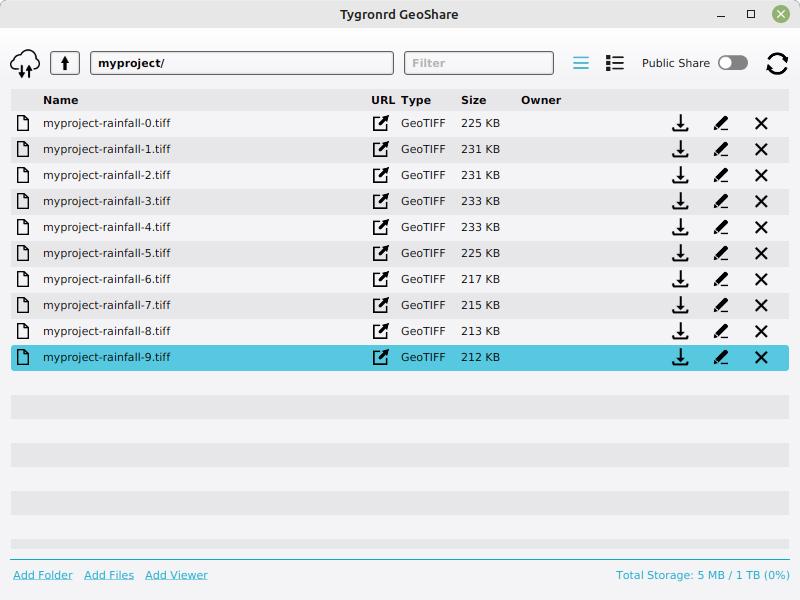
As can be seen from the first how-to, Grid Overlays with multiple timeframes are automatically recognized by the layer-add step of adding a GeoShare. This is recognized using the following naming convention: name-##.format. When uploading your own GeoTIFFs that represent multiple timeframes, take this naming convention into account before uploading them.