How to add and remove buildings
This section deals with adding buildings to the 3D world. For adding actions to a Stakeholder see Adding and removing Actions.

Constructing and demolishing are essential actions a stakeholder can perform in a Tygron Platform based project to reach his objectives. When a project is created (or edited) in the Tygron Platform, buildings are being added and removed in the editor. Below is a short description, for more in depth detail, please see the Editor.
To add or remove buildings, select Buildings from 3D World in the editor:
Adding buildings
- By selecting a type followed by the Add button on the bottom of list of buildings, a new building item appears on the list. The list is alphabetical per building type. The new building is not present in the 3D World yet, since no function has been selected yet, and the building has not been placed in the 3D World either. For details on adding / changing a selection from a building: see below.
-
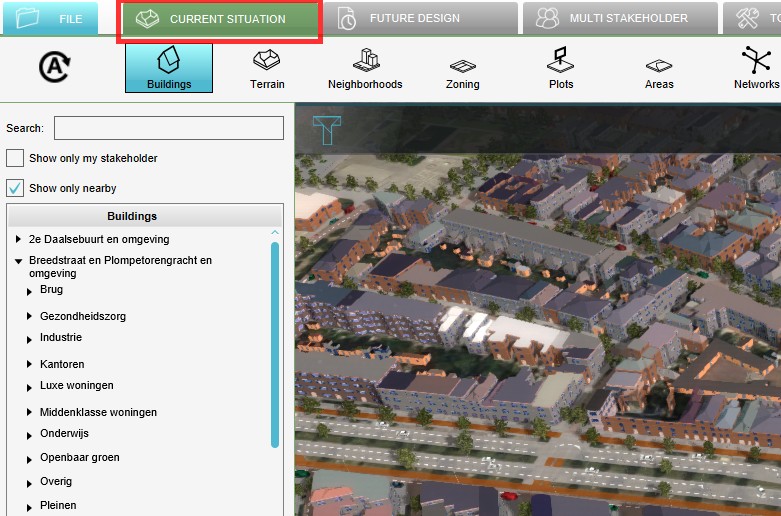 Select Current Situation
-
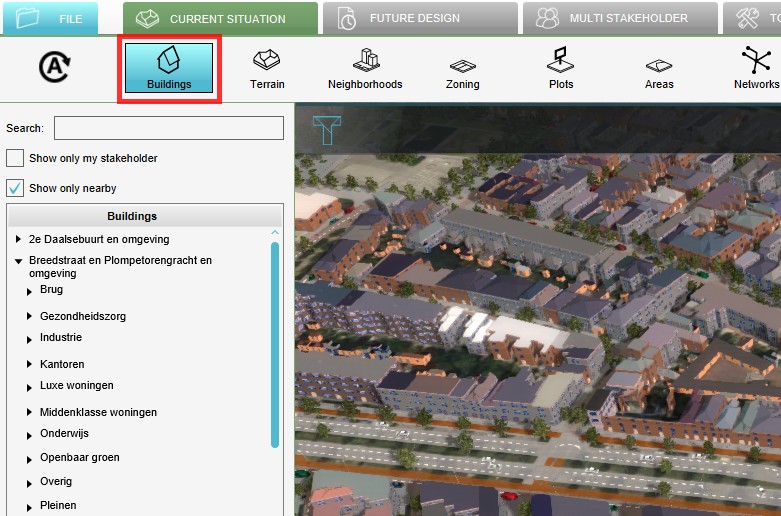 Select Buildings from ribbon bar
-
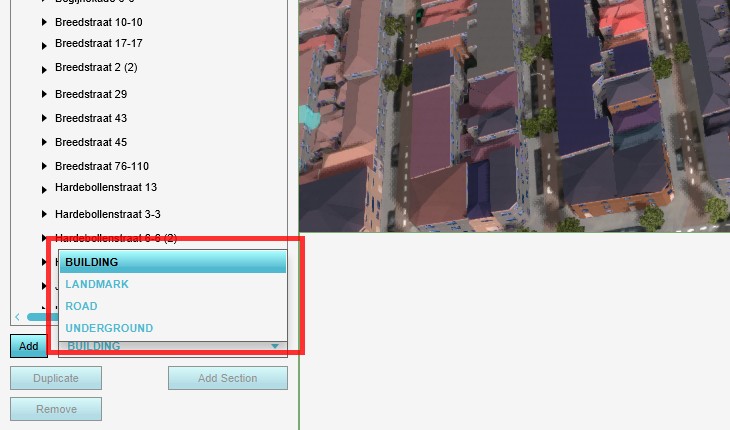 Select desired building type
-
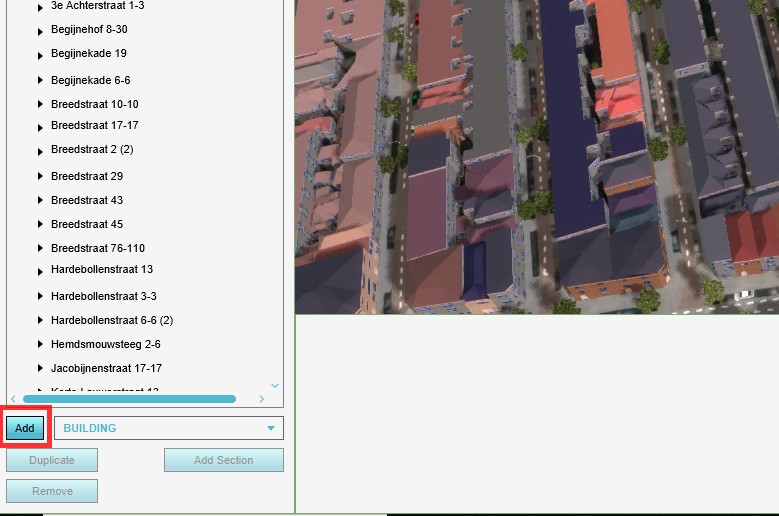 Select 'Add' from the bottom of the list
-
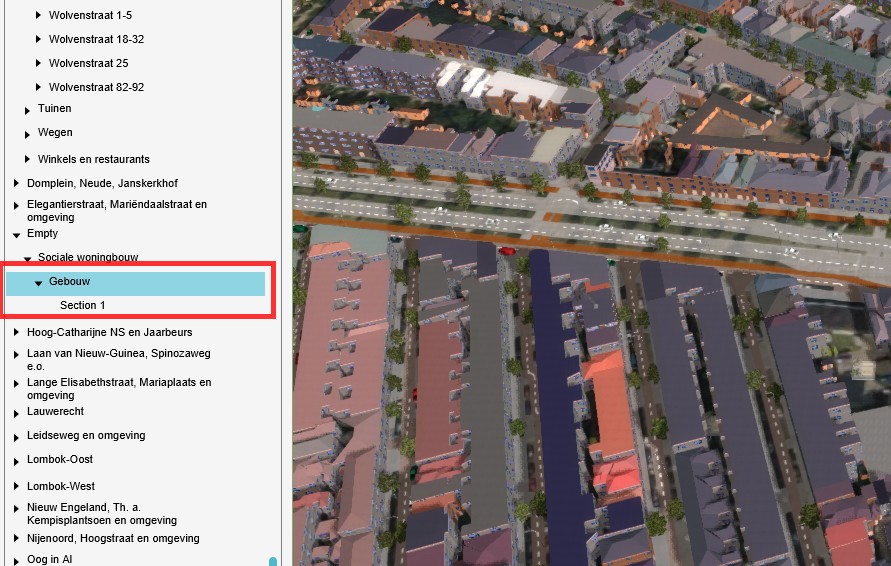 Newly added default building


Removing buildings
- To completely remove a building, including its slot from the building list, select Buildings, highlight the building to be removed and select 'Remove'. This will open a confirmation message to ensure no buildings are deleted by accident.
-
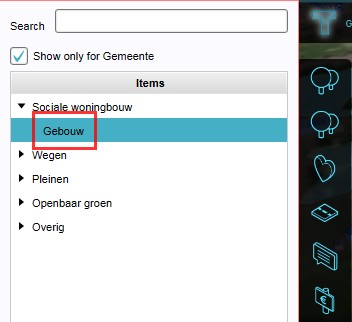 Select Building to be removed
-
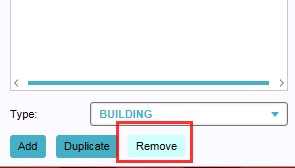 Select 'Remove'
-
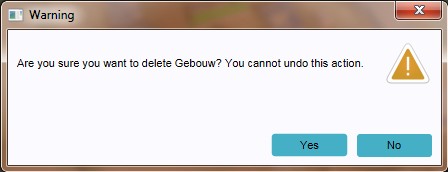 Confirmation Message


