How to create a GIF Overlay Animation
From Tygron Support wiki
Revision as of 12:43, 12 November 2026 by
Frank@tygron.nl
(
talk
|
contribs
)
(
diff
)
← Older revision
|
Latest revision
(
diff
) |
Newer revision →
(
diff
)
Jump to navigation
Jump to search
Animation of a 100 timeframe flooding with a duration of 5 seconds, a frame step of 10 and a scale of 12.5%
Editor
→
Tools (
Ribbon tab
)
→
Screenshot (
Ribbon bar
)
Template:Editor steps
Select the
Tools
header in the
Editor
Click on the
Screenshot
button in the
ribbon
Click on the 'Take Screenshot' option to create the animation
See also
GIF animation
Category
:
How-to's
Navigation menu
Personal tools
Namespaces
Page
Discussion
English
Views
Read
View source
View history
More
Search
Navigation
Main page
Recent changes
Random page
Upload files
Help
Tools
What links here
Related changes
Printable version
Permanent link
Page information

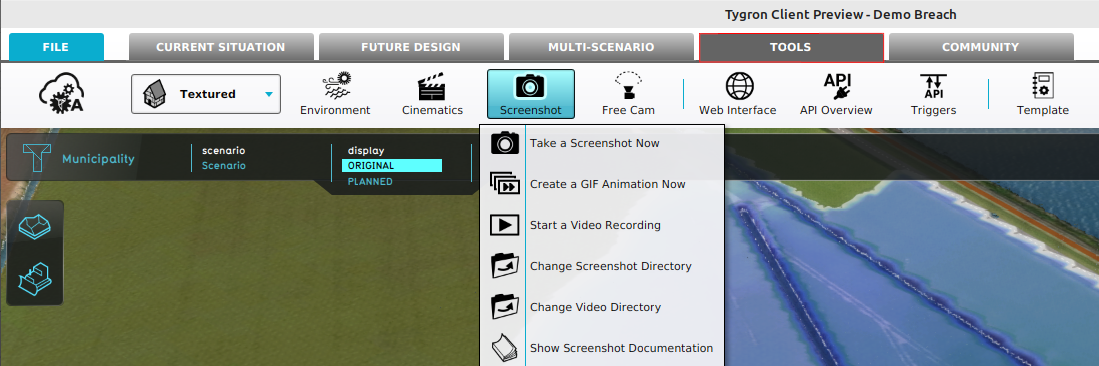
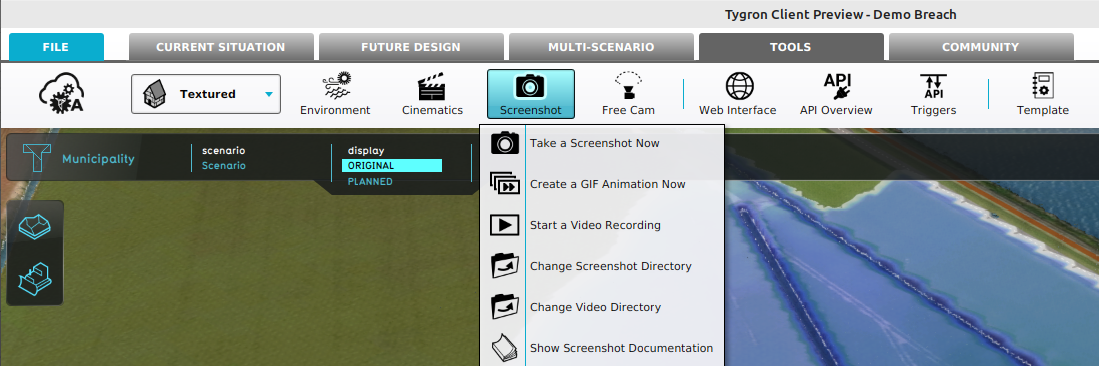 Click on the Screenshot button in the ribbon
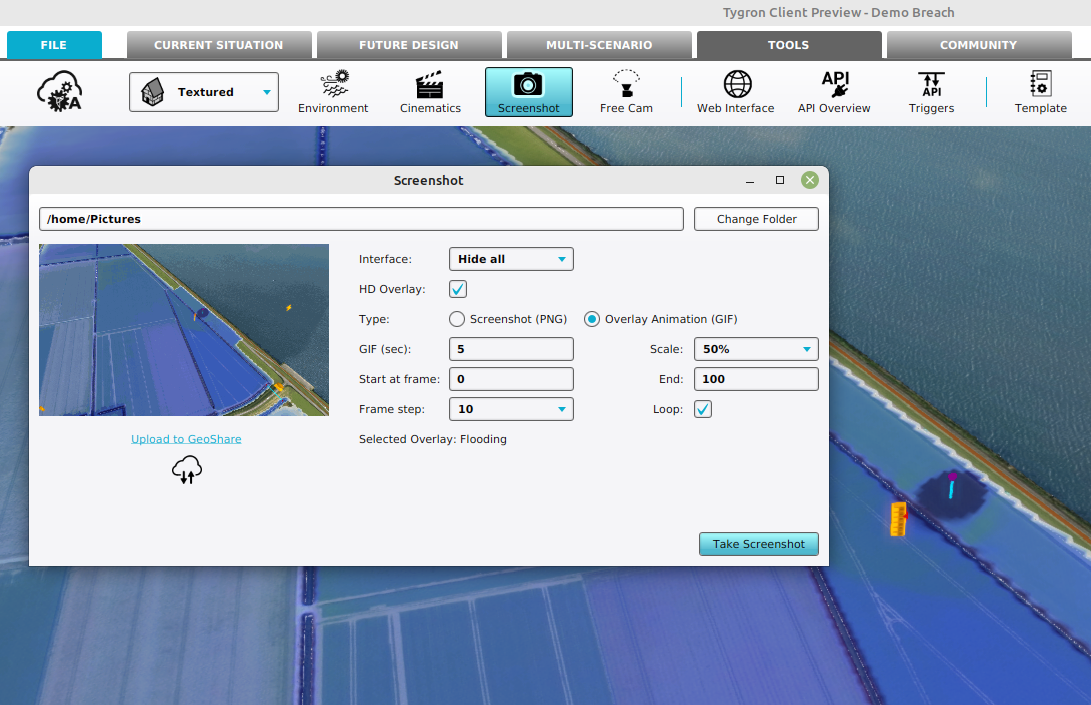 Click on the 'Take Screenshot' option to create the animation


