How to create a GIF Overlay Animation: Difference between revisions
Jump to navigation
Jump to search
No edit summary |
No edit summary |
||
| Line 17: | Line 17: | ||
<gallery> | <gallery> | ||
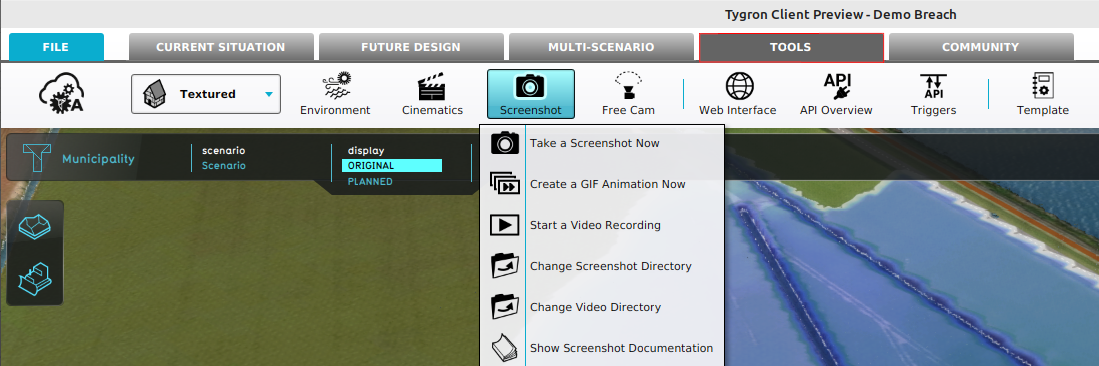
File:Tools_ribbon.png|200px|Select the Tools header in the Editor | File:Tools_ribbon.png|200px|Select the [[Tools]] header in the [[Editor]] | ||
File:Screenshot_bar.png|200px|Click on the Screenshot button in the [[ribbon]] | File:Screenshot_bar.png|200px|Click on the [[Screenshot]] button in the [[ribbon]] | ||
File:GIF_animation_panel.png|200px|Click on the 'Take Screenshot' option to create the animation | File:GIF_animation_panel.png|200px|Click on the 'Take Screenshot' option to create the animation | ||
</gallery> | </gallery> | ||
Revision as of 12:43, 12 November 2026

-
-
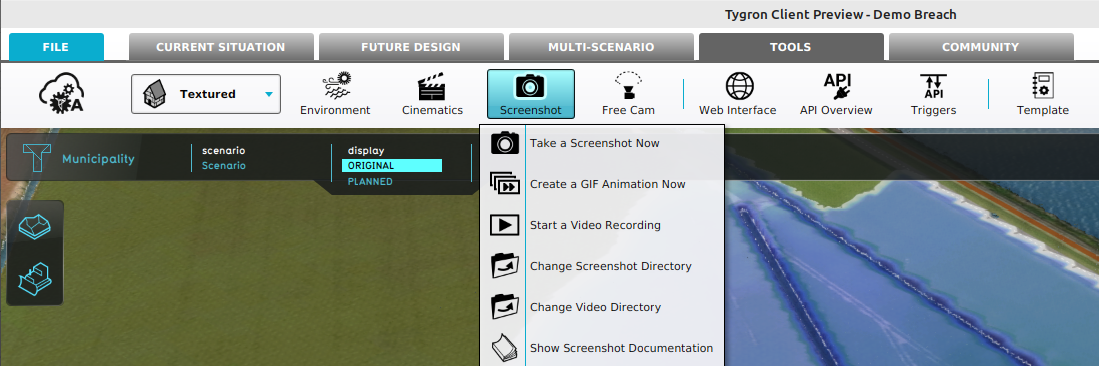 Click on the Screenshot button in the ribbon
-
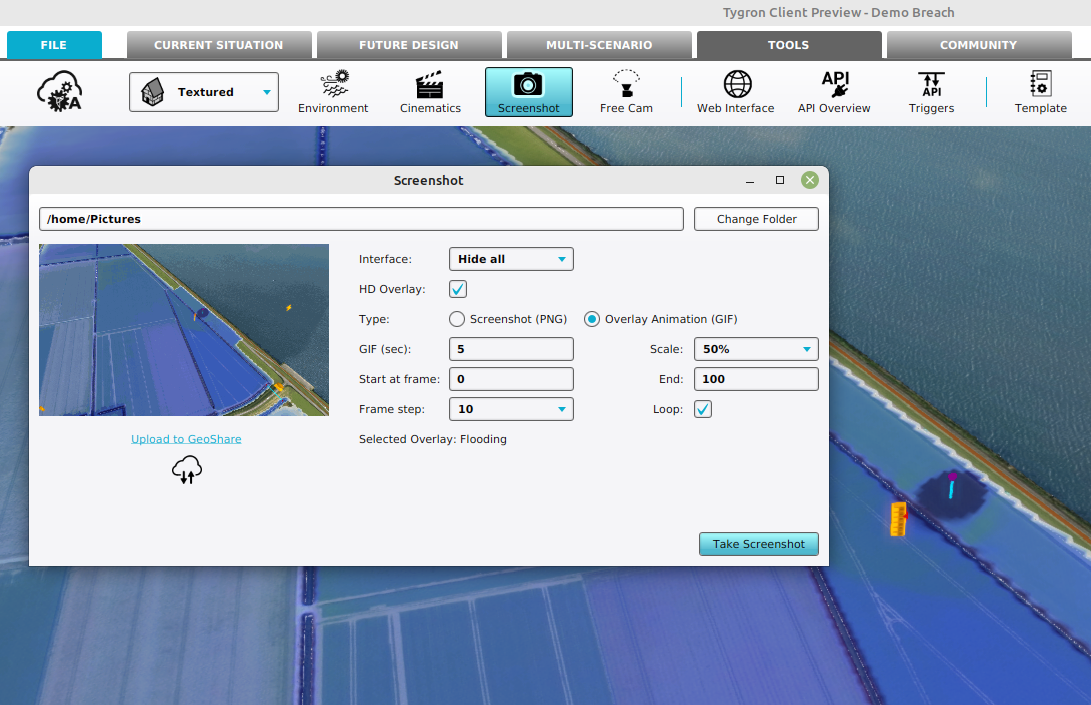 Click on the 'Take Screenshot' option to create the animation


