How to create a GIF Overlay Animation: Difference between revisions
Jump to navigation
Jump to search
No edit summary |
No edit summary |
||
| Line 1: | Line 1: | ||
[[File:gif_animation_example.gif|frame|right|Animation of a 100 timeframe flooding with a duration of 5 seconds, a frame step of 10 and a scale of 12.5%]] | |||
{{Editor location|Screenshot}} | {{Editor location|Screenshot}} | ||
{{Editor steps|title= | {{Editor steps|title= | ||
|Select the [[Overlay]] from which you want to create a GIF | |Select the [[Overlay]] from which you want to create a GIF | ||
Revision as of 16:26, 6 November 2023

-
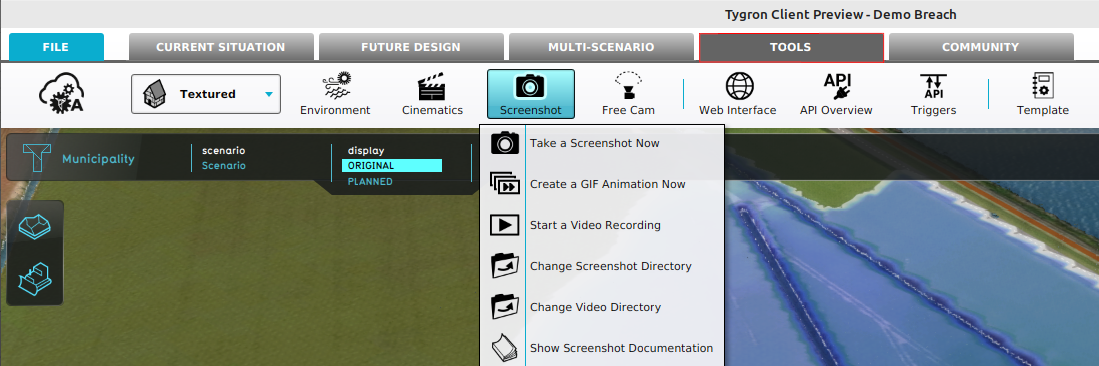 Select the Tools header in the Editor
-
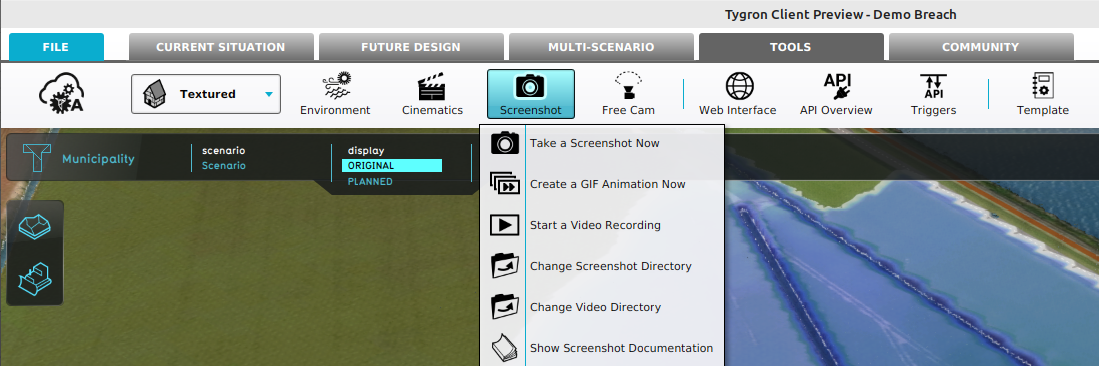 Select the Screenshot ribbon bar
-
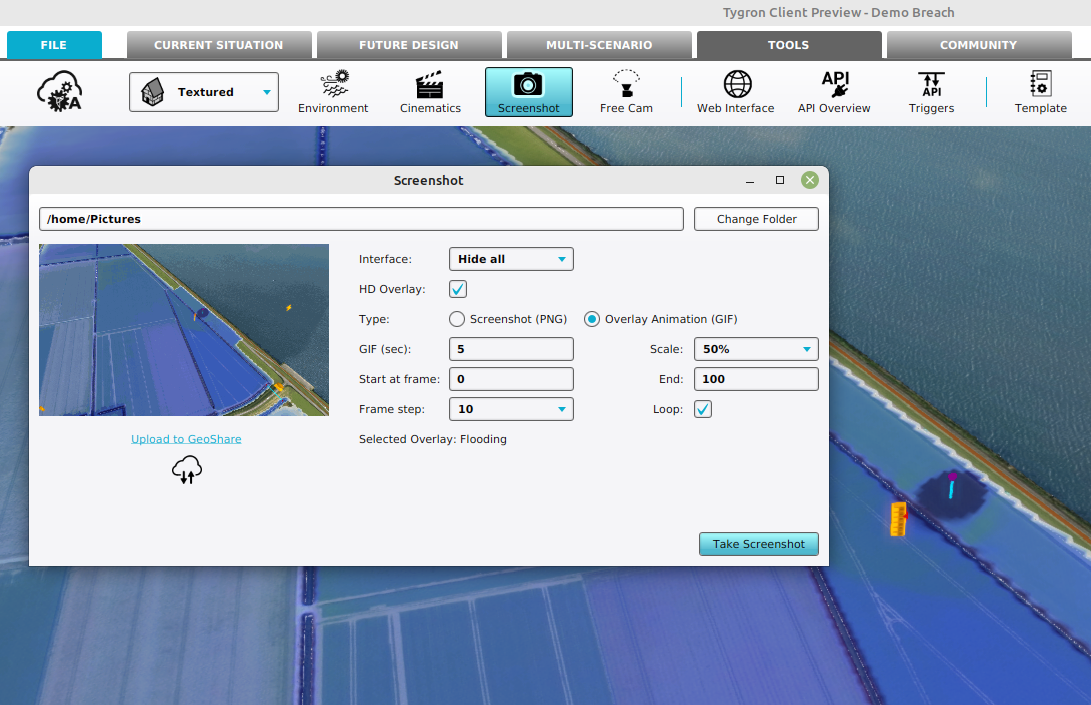 Click on the 'Take Screenshot' option to create the animation


