Hover panel: Difference between revisions
Jump to navigation
Jump to search
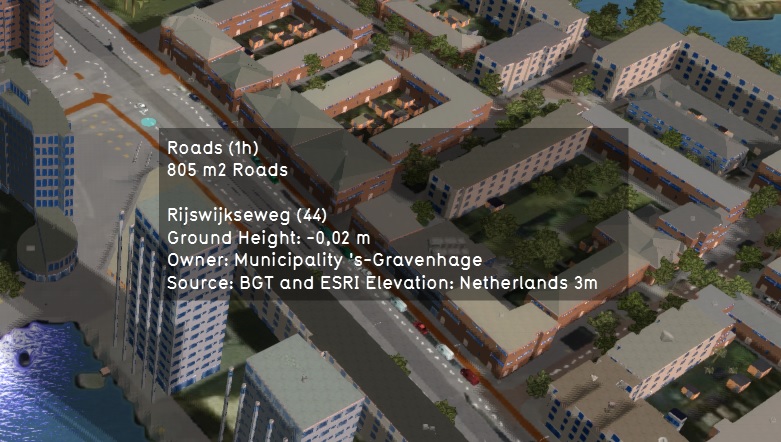
(Created page with "250px|right|The hover panel. when clicking any location in the [[project area in the 3D Visualizaition, it appears to provide information about the area indicated.]] When you click the cursor still over any part of the project area, the hover panel will appear. The hover panel will display information about the area your cursor is pointing at, based on which overlay is currently active. By default, it display information about the:...") |
(No difference)
|
Revision as of 11:10, 7 February 2023

When you click the cursor still over any part of the project area, the hover panel will appear. The hover panel will display information about the area your cursor is pointing at, based on which overlay is currently active. By default, it display information about the:
- type of terrain;
- buildings
- address;
- owner;
- and data source.