How to remove an Area: Difference between revisions
Jump to navigation
Jump to search
(Created page with "===Removing areas=== {{Editor location|Areas}} To remove an area, select an area in the left panel, and select "Remove" at the bottom of the panel. {{Editor steps|title=remo...") |
(No difference)
|
Revision as of 10:05, 13 January 2021
Removing areas
To remove an area, select an area in the left panel, and select "Remove" at the bottom of the panel.
How to remove an area:
- Select "Areas" in the ribbon bar.
- Select the area you wish to remove.
- Select "Remove" in the left panel.
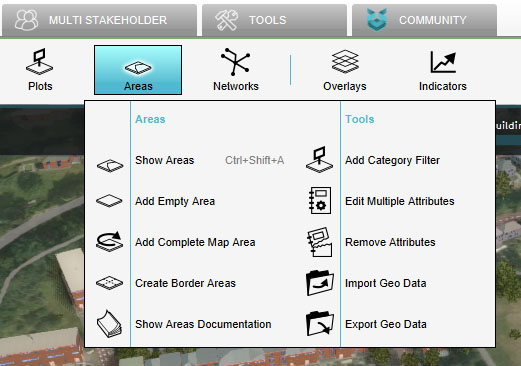
Select "Areas"
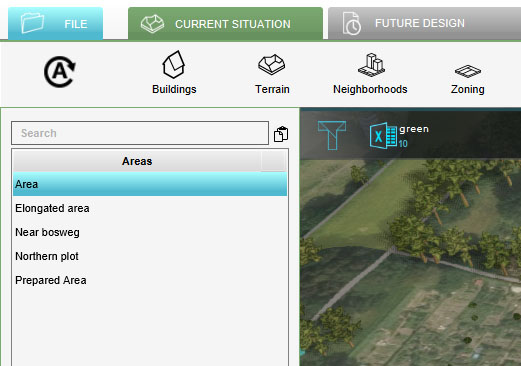
Select Area to Remove
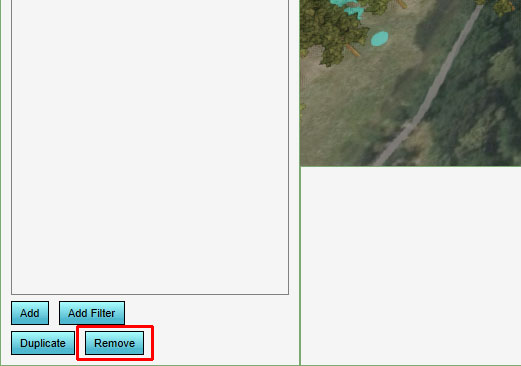
Click on Remove


