How to add a Terrain Spatial to a Measure
Terrain Spatials can be used to flatten land, remove Buildings, adjust terrain height and Terrain Type.
How to add a Terrain Spatial to a Measure:
- Select the Future Design tab in the ribbon bar.
- Select or add a new Measure
- With the Measure selected, click on the Add Terrain button
- With the Terrain Spatial added and selected
- Select the WATER 1 (default) entry
- In the Detail Panel, select FLATTEN as type from the drop down menu
- Use brush panel to draw Outer Area, and apply
- Select the Measure and click on Activate Measure to inspect its application
-
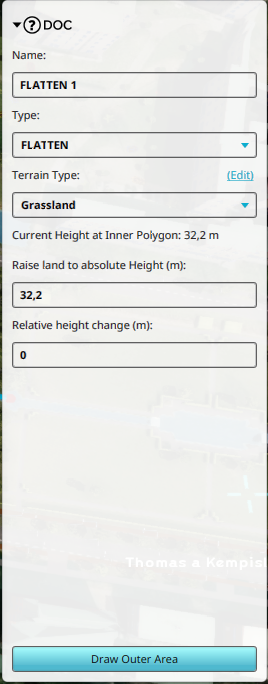 A TerrainSpatial of type Flatten shown in the Detail Panel
