How to perform an upgrade: Difference between revisions
Jump to navigation
Jump to search
Created page with "During a session, an upgrade can be performed in a similar manner as the placement of a building. The only difference is that, rather than empty terrain being valid, a building with a valid type of function must be valid. {{Editor steps|title=perform an upgrade|Find a building with a function fit for upgrade.|Select the upgrade to perform.|Draw the selection for the upgrade.|Press the "Upgrade" button.|If required, use the popups to request and acquire a permit.|The upg..." |
No edit summary |
||
| Line 10: | Line 10: | ||
File:Upgrade_complete.jpg|Upgrade complete | File:Upgrade_complete.jpg|Upgrade complete | ||
</gallery> | </gallery> | ||
[[Category:Upgrade]][[Category:How-to's]] | [[Category:Upgrade Type]][[Category:How-to's]][[Category:Action]] | ||
Revision as of 12:40, 20 October 2022
During a session, an upgrade can be performed in a similar manner as the placement of a building. The only difference is that, rather than empty terrain being valid, a building with a valid type of function must be valid.
-
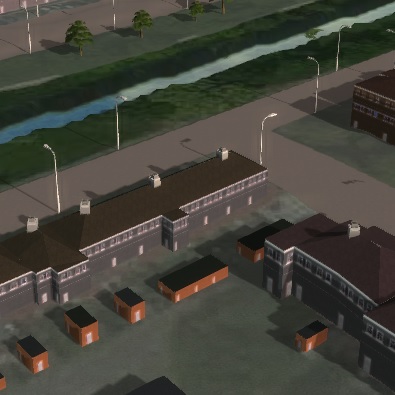 Find a building to upgrade
-
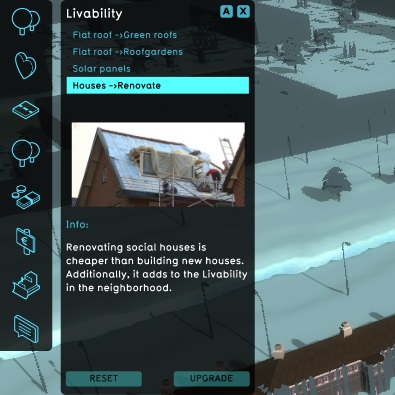 Select an upgrade
-
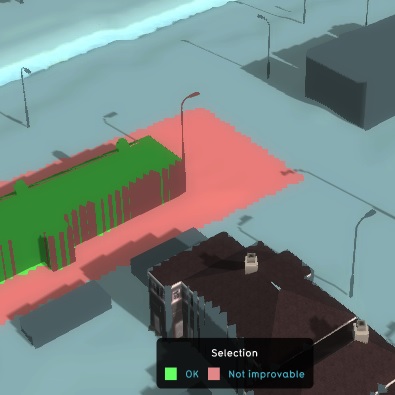 Draw a selection
-
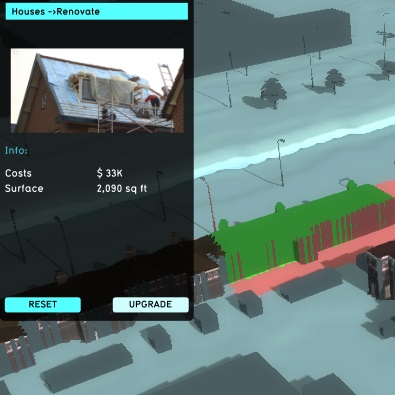 Press "Upgrade"
-
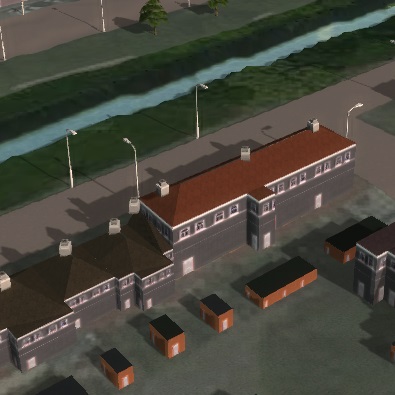 Upgrade complete


