Web panel: Difference between revisions
Jump to navigation
Jump to search
No edit summary |
No edit summary |
||
| (3 intermediate revisions by 2 users not shown) | |||
| Line 1: | Line 1: | ||
The '' | The ''Web Panel'' is a panel that opens when inspecting a [[Panel]] item, either by clicking on its [[popup]] in the [[3D Visualization]] or by opening using the [[Editor]] interface. | ||
It shows the HTML (web) content that is configured in the [[ | It shows the HTML (web) content that is configured in the [[Panel]] item in the browser of the [[Viewer]] interface. Content ranges from simple text to full web pages, depending on the [[Panel#Types|panel type]]: Text, Web, or Excel. | ||
The panel | The panel's dimensions are configurable, but the final size is limited by the application window. | ||
<gallery heights=300px widths=300px> | <gallery heights=300px widths=300px> | ||
| Line 16: | Line 16: | ||
|howto= | |howto= | ||
* [[How to add a Panel which can be opened from an Action Menu]] | * [[How to add a Panel which can be opened from an Action Menu]] | ||
|api= | |||
* [[Api session event editor panel set url]] | |||
}} | }} | ||
{{viewer nav}} | {{viewer nav}} | ||
Latest revision as of 13:40, 8 July 2026
The Web Panel is a panel that opens when inspecting a Panel item, either by clicking on its popup in the 3D Visualization or by opening using the Editor interface.
It shows the HTML (web) content that is configured in the Panel item in the browser of the Viewer interface. Content ranges from simple text to full web pages, depending on the panel type: Text, Web, or Excel.
The panel's dimensions are configurable, but the final size is limited by the application window.
-
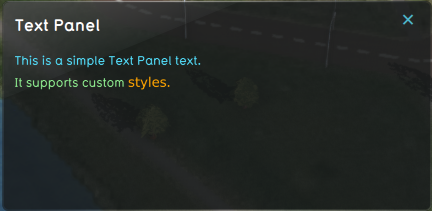 Web panel showing the content of a Text Panel item.
 -
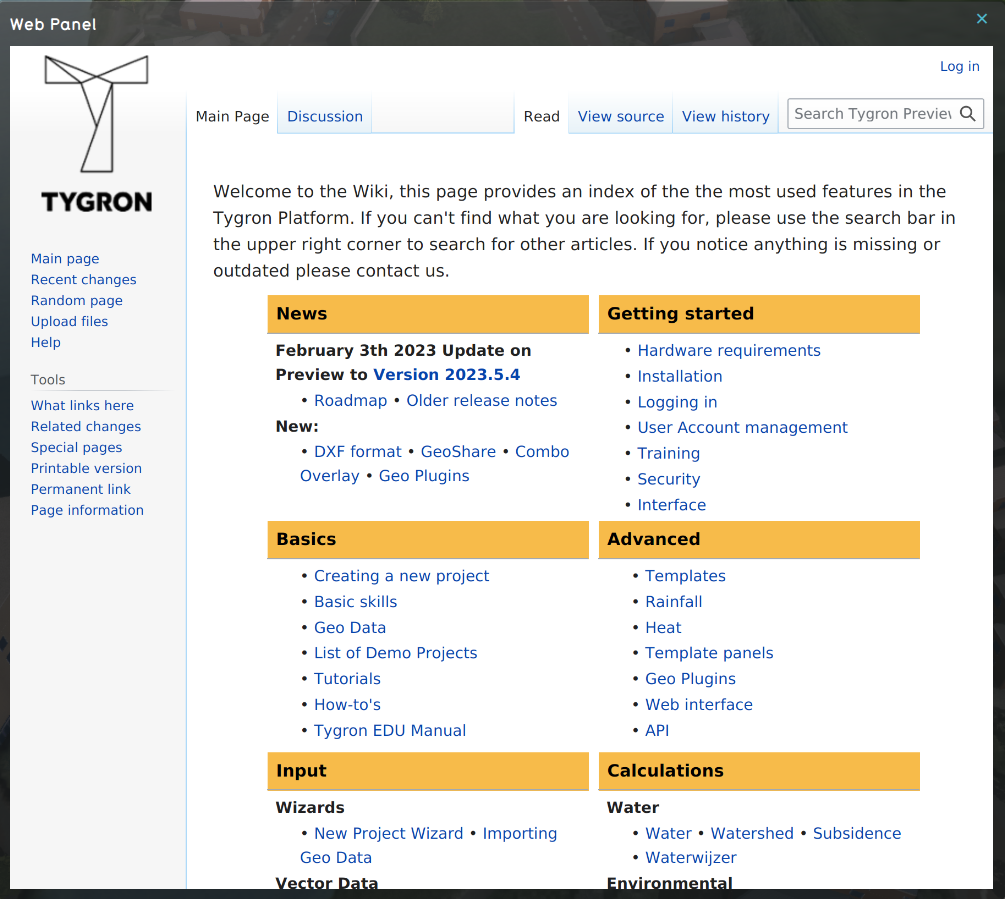 Web panel showing the content of a Web Panel item.
 -
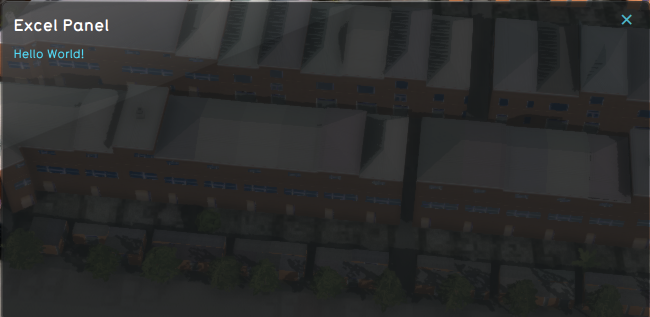 Web panel showing the content of an Excel Panel item.


