Logo panel: Difference between revisions
Jump to navigation
Jump to search
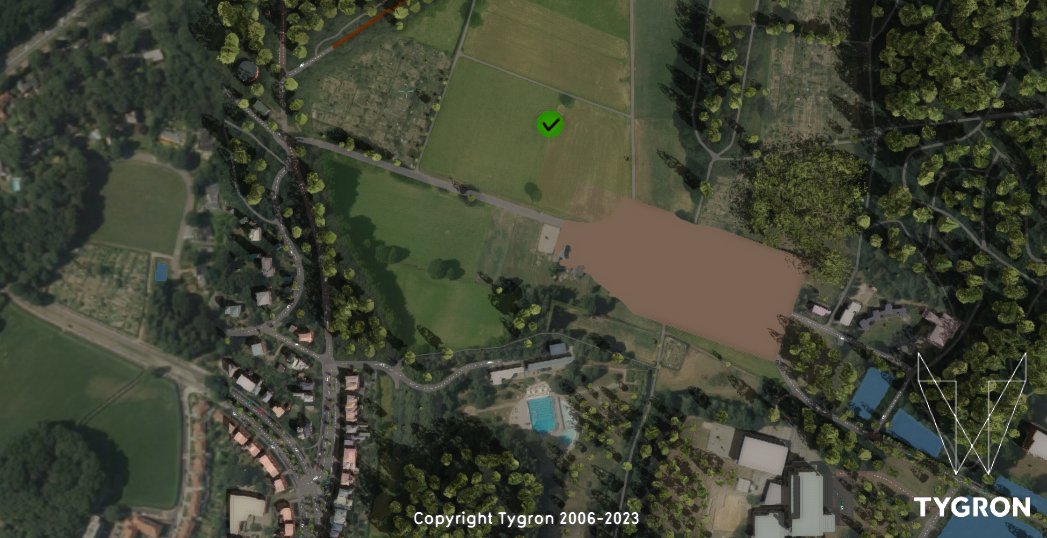
(Created page with "right|300px|Logo panel shown after entering ''screen shot mode'' in the [[user interface]] The ''logo panel'' is a panel shown when the user interface is in ''screen shot mode''. Screen shot mode is currently only activated/deactivated when pressing <code>ctrl+alt+g</code>. {{article end |notes= * Making a screenshot using the editor interface does not activate ''screen shot mode''.") |
(No difference)
|
Revision as of 11:15, 9 February 2023

The logo panel is a panel shown when the user interface is in screen shot mode. Screen shot mode is currently only activated/deactivated when pressing ctrl+alt+g.
{{article end |notes=
- Making a screenshot using the editor interface does not activate screen shot mode.